
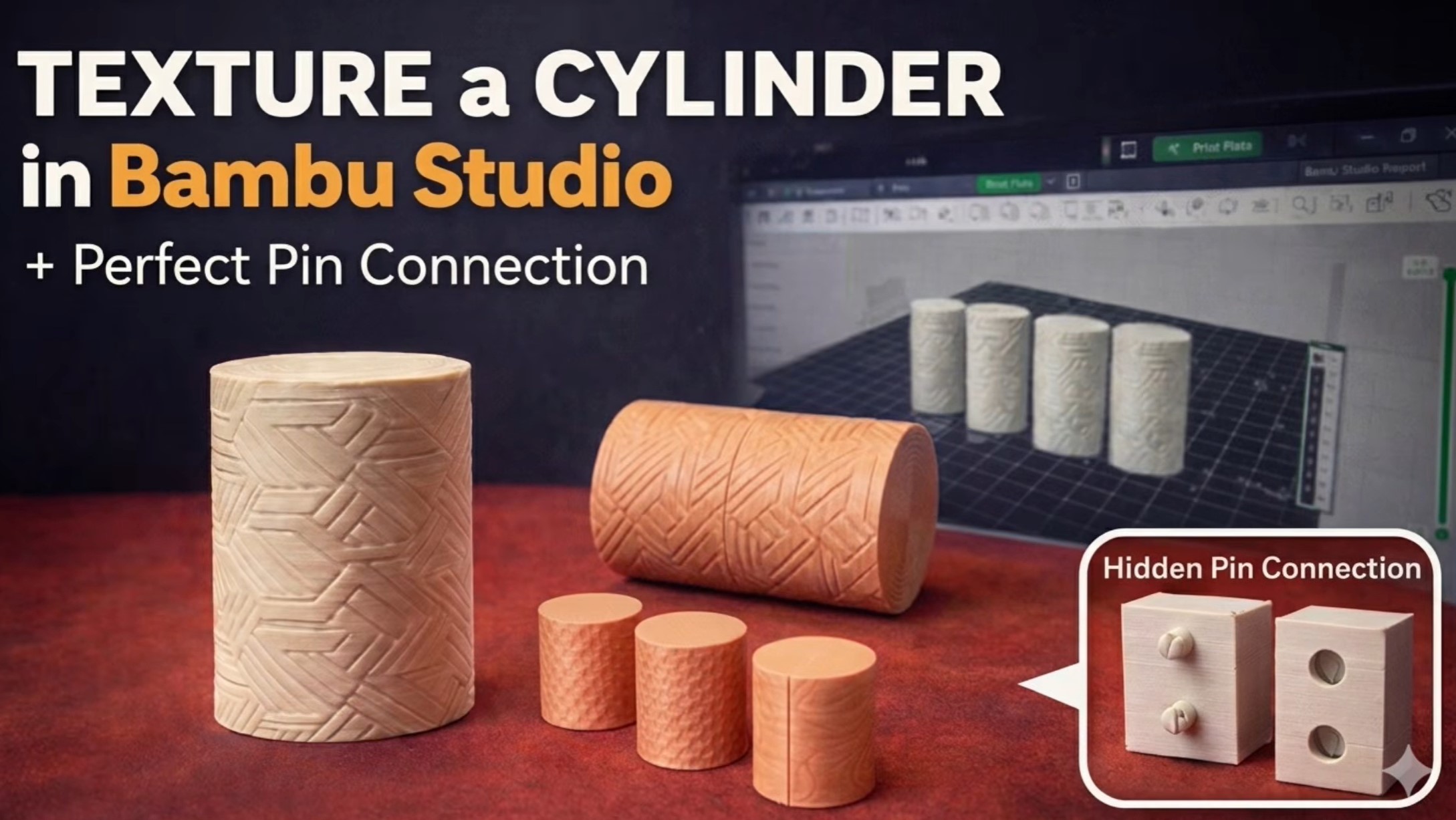
In this tutorial, I show step by step how to texture a cylinder in Bambu Studio using an image file.
First, we convert an image to SVG format using an online converter. SVG files are important because they allow us to create clean and precise textures on 3D models.
After converting the image to SVG, we import the SVG file into Bambu Studio and apply it as a texture on the surface of a cylinder. Then we adjust the size, position, and alignment of the texture so it fits perfectly on the model.
Next, we split the cylinder into two parts. This is useful when you want to print complex textured models or when you want to create multi-part designs.
To make sure the two parts align perfectly after printing, we design hidden pin connections between the two halves. These pins help us assemble the cylinder accurately and keep the parts in the correct position.
Finally, we arrange all parts on the build plate, slice the model, and send it to the printer.
This method is very useful for creating textured objects, decorative parts, engineering prototypes, and multi-part 3D printed models that need precise alignment.
You can download the STL files for this model from my MakerWorld page.
https://makerworld.com/models/2553909?appSharePlatform=copy






