
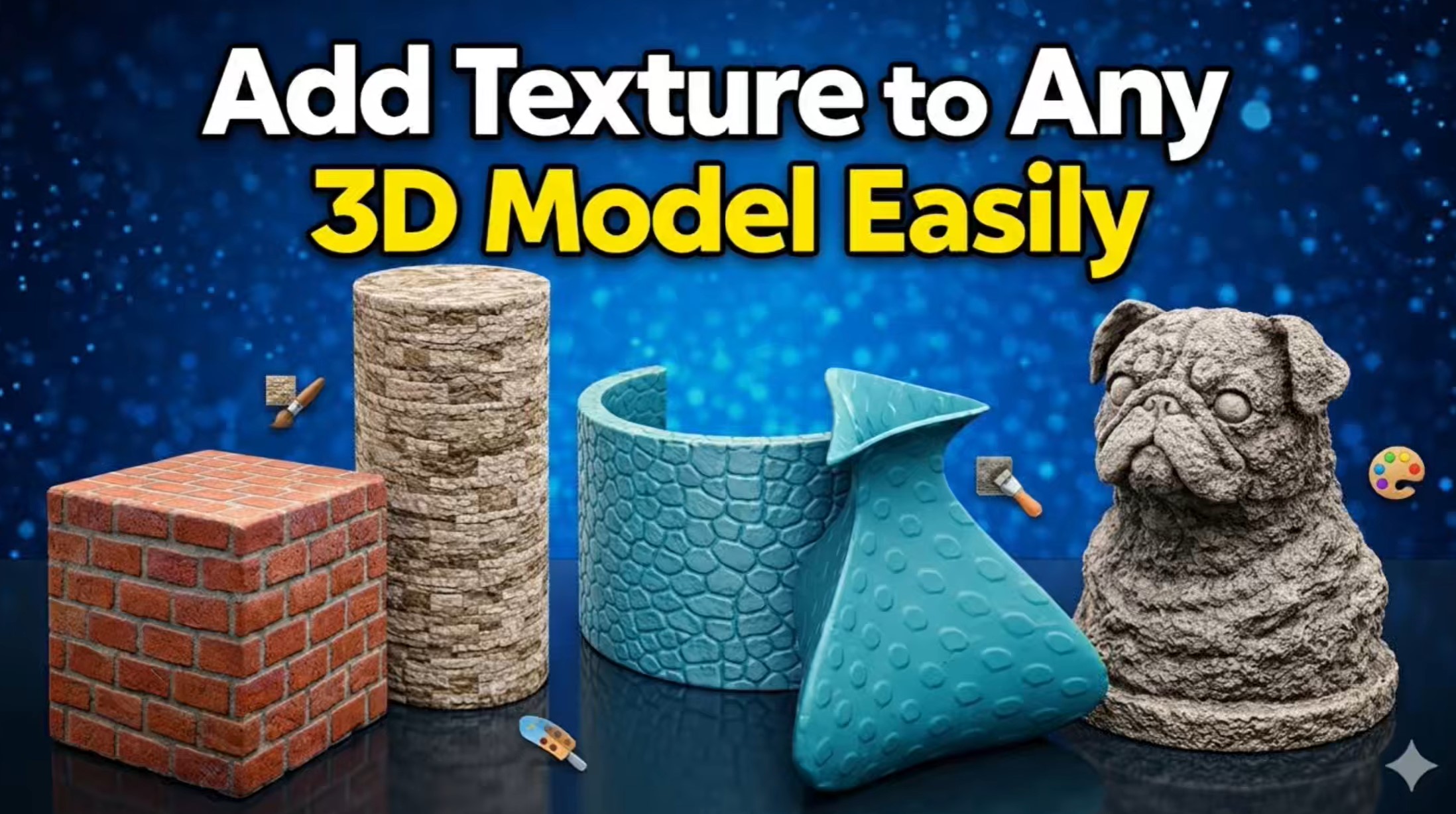
In this video, I show you how to add texture to different 3D models using an online texturing tool.
You can apply textures to many shapes, including cubes, cylinders, curved parts, and more complex models.
I demonstrate how to:
• import an STL file
• choose a default texture or upload a custom one
• select the best projection mode for each model shape
• adjust texture depth and smoothness
• control where the texture is applied
• export the final STL file for 3D printing
This method is simple, fast, and very useful if you want to create textured 3D prints without doing everything manually inside CAD software.
You can download all the models I used in this video from my MakerWorld page:
MakerWorld link:
https://makerworld.com/models/2581078?appSharePlatform=copy






