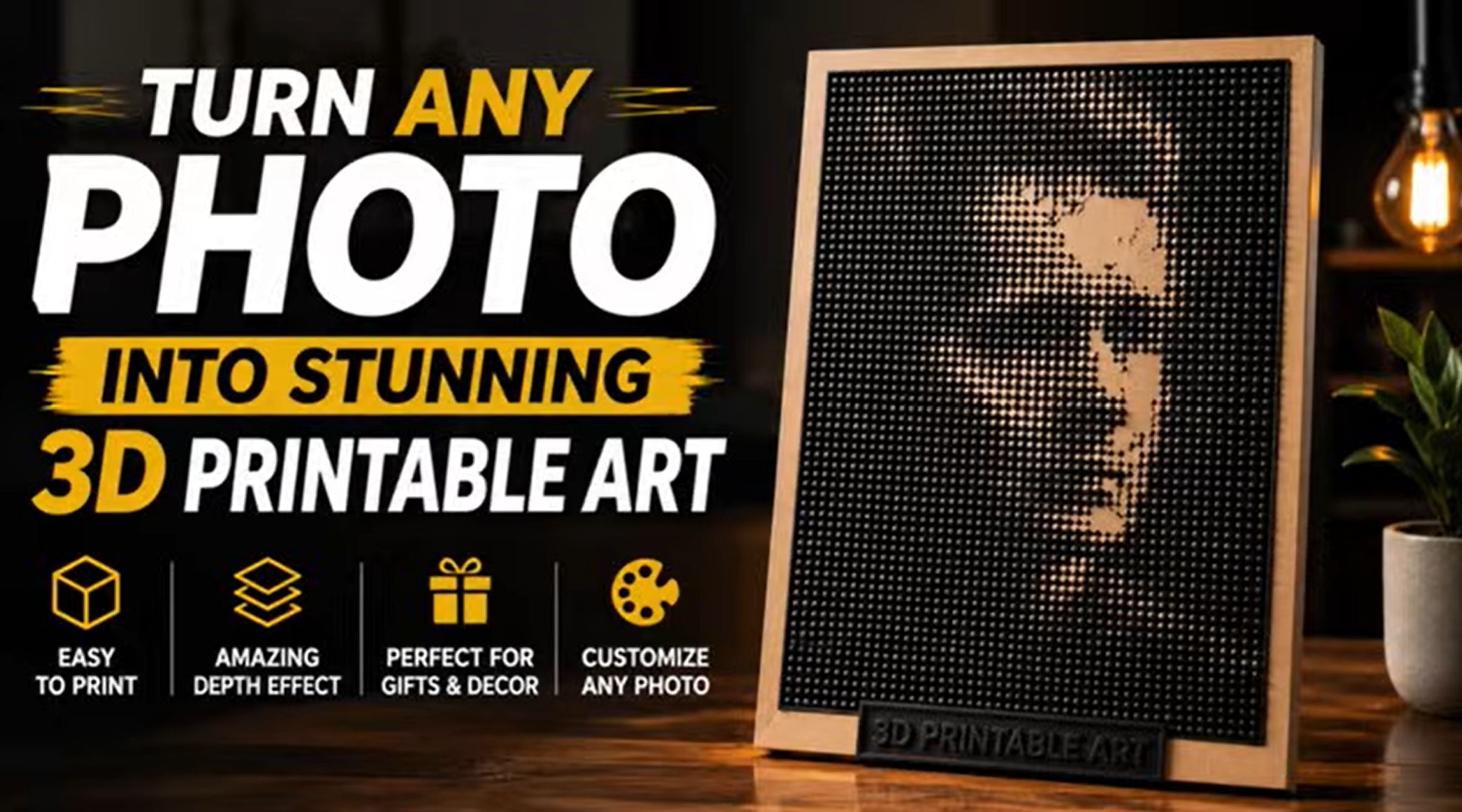
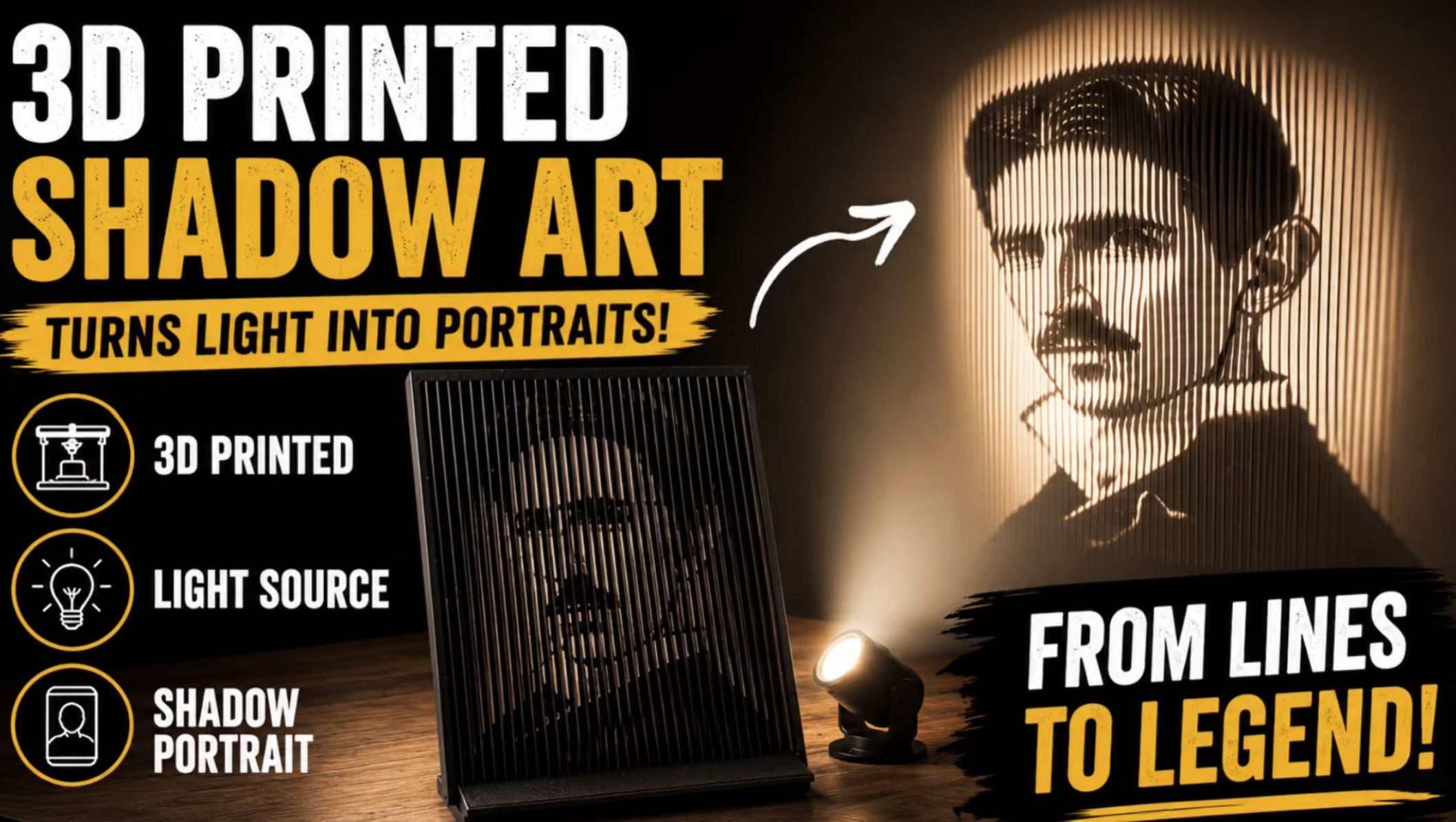
Transform your favorite photo into an amazing 3D-printed shadow portrait using a 3D printer!
Have you ever imagined turning a simple photograph into a beautiful shadow projection? With 3D printing, you can create a unique piece of art that reveals a stunning portrait when illuminated by a light source.
In this step-by-step DIY tutorial, I’ll show you how to create your own 3D Printed Shadow Art using a free online Shadow Art Generator and Bambu Studio.
Whether you’re a beginner or an experienced 3D printing enthusiast, this creative project is a great way to combine technology, art, and personalized design.
What You’ll Learn
In this tutorial, you’ll discover:
- How to transform any photo into a 3D shadow portrait.
- How to use a free online Shadow Art Generator.
- How to generate and download the STL file.
- How to import and prepare your model in Bambu Studio.
- How to configure support structures and printing settings.
- How to achieve a clear and detailed shadow projection.
How Does 3D Printed Shadow Art Work?
3D shadow art uses a specially designed three-dimensional structure that creates a recognizable image when light passes around it.
From certain angles, the printed object may look like an abstract sculpture. However, when illuminated from the correct direction, it projects a recognizable portrait onto a nearby surface.
This makes it a fantastic project for personalized gifts, home decoration, and creative 3D printing experiments.
Materials and Tools
To create this project, you’ll need:
- A 3D printer
- PLA filament
- Bambu Studio or compatible slicing software
- A free online Shadow Art Generator
- A photograph of your choice
- An LED light or another suitable light source
Watch the Full Step-by-Step Tutorial
I’ve created a complete YouTube tutorial demonstrating the entire process, from converting your photo into a printable 3D model to preparing, printing, and testing the final shadow portrait.
Watch the full tutorial on my YouTube channel: Bambu3Design.
Want to try this project yourself?
You can download the printable STL file for free from my MakerWorld page.
Free STL Download:
https://makerworld.com/en/models/3098
Create Your Own Shadow Art!
Experiment with different photographs, lighting angles, and distances to create your own unique shadow portraits.
If you enjoyed this project, explore more creative 3D printing tutorials, DIY electronics, and functional designs on Bambu3Design.
Follow Bambu3Design on YouTube for more exciting 3D printing projects and step-by-step tutorials!