
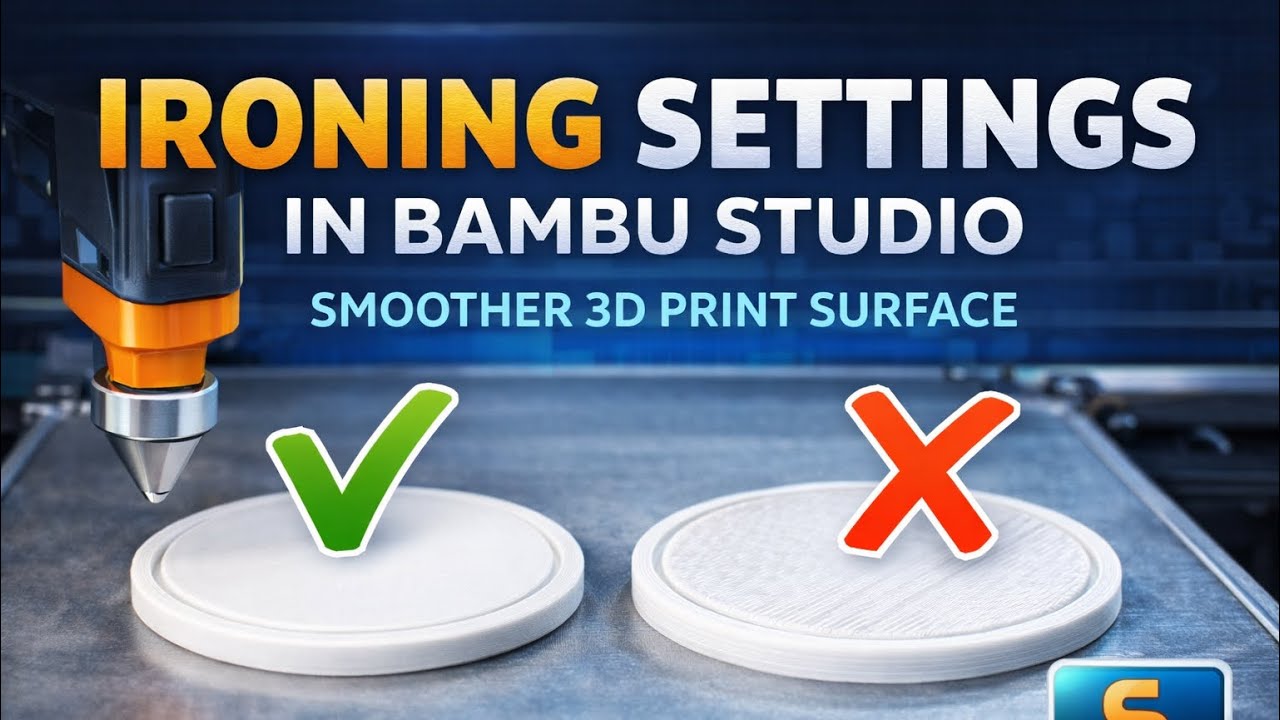
In this video, I explain how ironing works in Bambu Studio and how it improves the top surface quality of 3D prints. I walk through each important ironing setting, including speed, flow, line spacing, and inset, and show recommended values for PLA. At the end, you can clearly see the difference between default settings and ironing enabled, helping you decide when and how to use ironing for smoother, cleaner top surfaces.

August 22, 2026





