
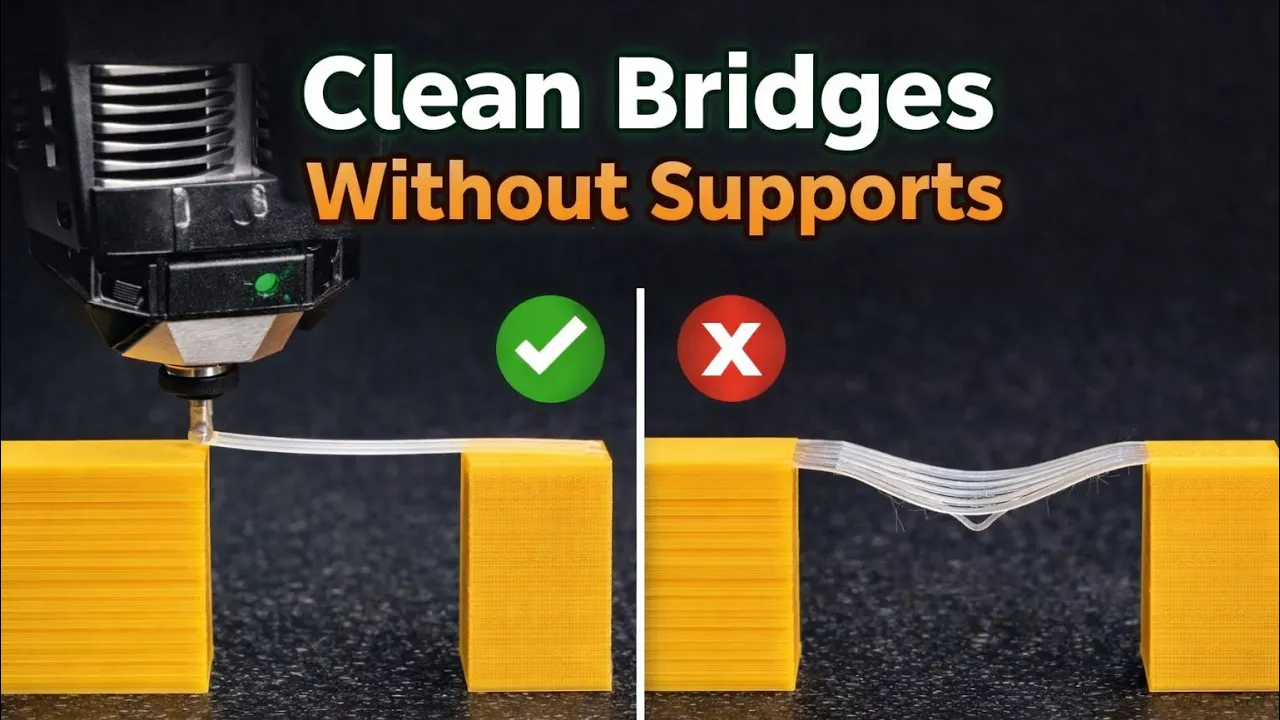
In this video, I show you how to print clean bridges without supports by properly adjusting bridging settings in Bambu Studio. Support-free bridging can greatly improve surface quality, reduce post-processing, and save material, but only if the settings are tuned correctly.
We go step by step through the most important bridge-related parameters, including bridge flow, bridge speed, and bridge direction, and explain how each one affects print quality. You’ll learn how to make bridges print flat, strong, and consistent instead of sagging or failing.
To make the difference clear, I also included a direct comparison between default settings and optimized settings, so you can easily see how much impact these adjustments make. This method can be applied to many parts that rely on bridges instead of supports.
This tutorial is suitable for both beginners and experienced users who want better results, cleaner undersides, and more efficient 3D prints.






