
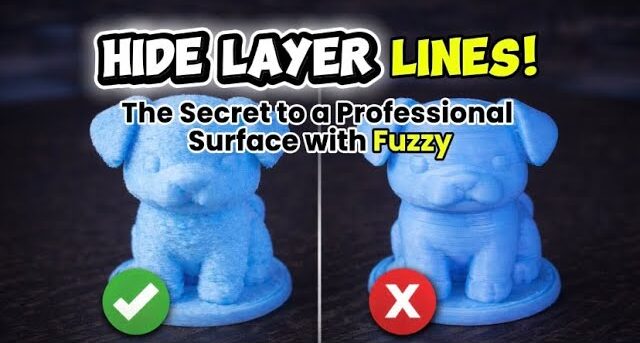
In this video, I show how to use Fuzzy Skin in Bambu Studio to improve the surface appearance of 3D prints and hide visible layer lines.
We go step by step through the process:
- Importing the model into Bambu Studio
- Using Height Range Modifier to apply different settings at different heights
- Enabling Fuzzy Skin only where it makes sense
- Adjusting key Fuzzy parameters like point distance and thickness
- Keeping important details clean by avoiding
Fuzzy on the head of the model
At the end, you can clearly see a comparison between a print with Fuzzy Skin and without Fuzzy Skin, and how it affects surface quality.
This method is especially useful if you want a more professional-looking surface without losing important details.
If you find this helpful, don’t forget to like, comment, and subscrit ar more 3D printing tips!






