
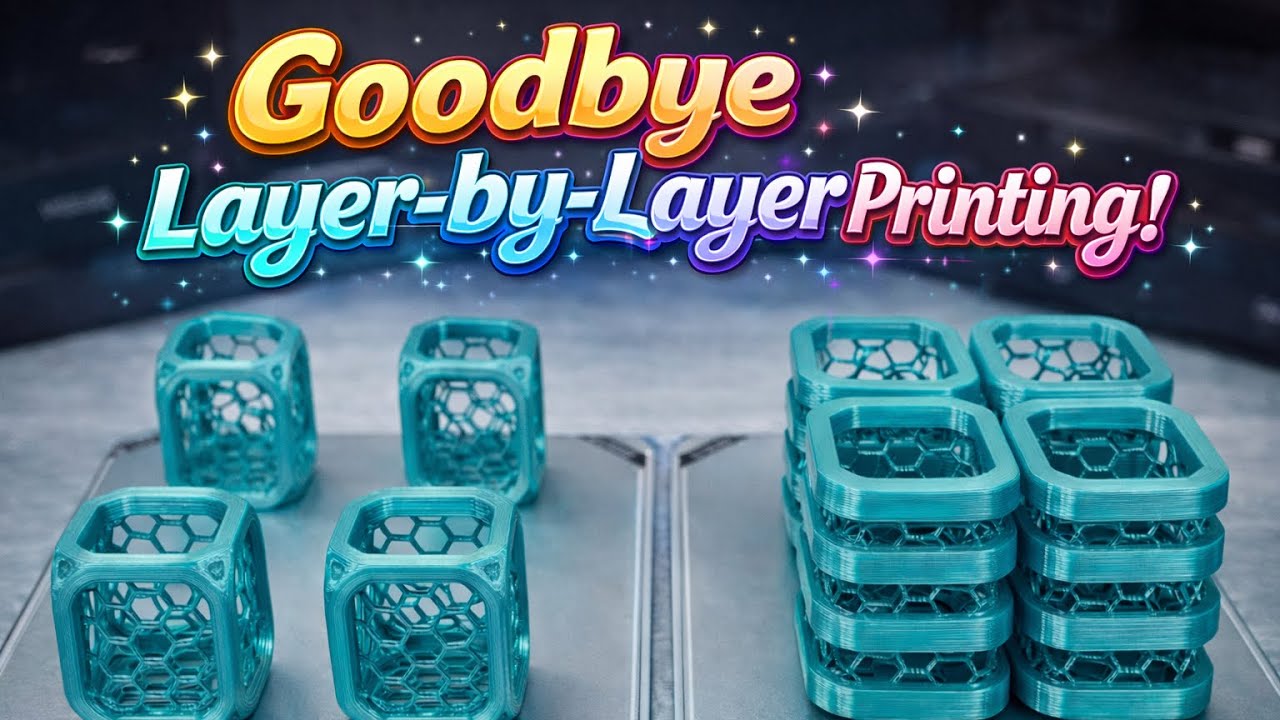
In this video, you’ll learn how to stop printing multiple parts layer by layer and instead print each object separately in Bambu Studio.
By default, when you place several models on the build plate, the printer uses the By Layer method — meaning every layer of every object is printed at the same time. While this works in many cases, it can increase the risk of collisions, failed prints, and wasted material.
In this step-by-step tutorial, you’ll learn how to:
- Switch from By Layer to By Object
- Position parts safely to avoid collisions
- Use the Move tool correctly
- Preview the print layer by layer
- Send the final file to your printer
Printing objects separately is a smarter and safer method — especially for small parts or batch printing. If one object fails, the others remain safe.
If you want cleaner, safer, and more professional 3D prints, this method will make a real difference.






