
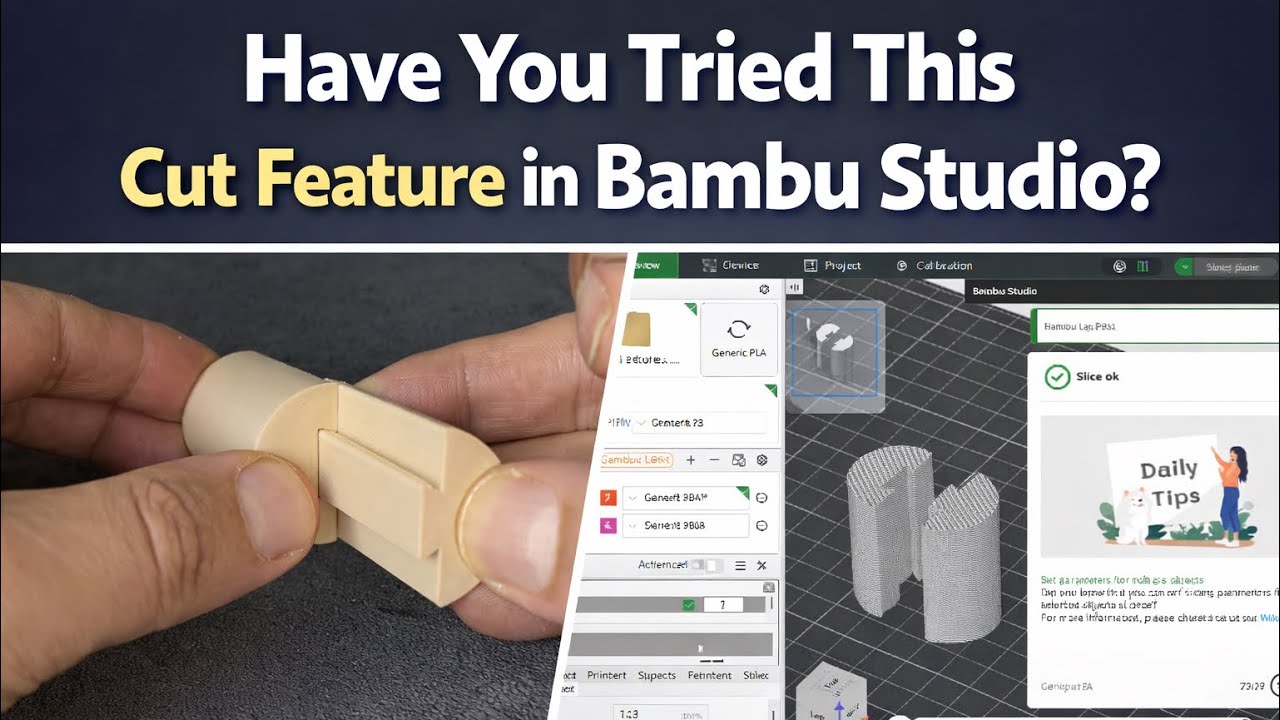
In this video, you’ll learn how to use the Cut feature in Bambu Studio to create a dovetail joint.
We’ll import the model, adjust the cutting axis, select the Dovetail mode, and fine-tune the depth, width, and angles to design a clean and precise joint.
You’ll also see how to adjust the clearance to achieve a smooth fit — not too tight, not too loose.
Finally, we slice the model and send it to print to see the real result.
If you’re interested in mechanical design and advanced Bambu Studio tips, this video is for you.






