
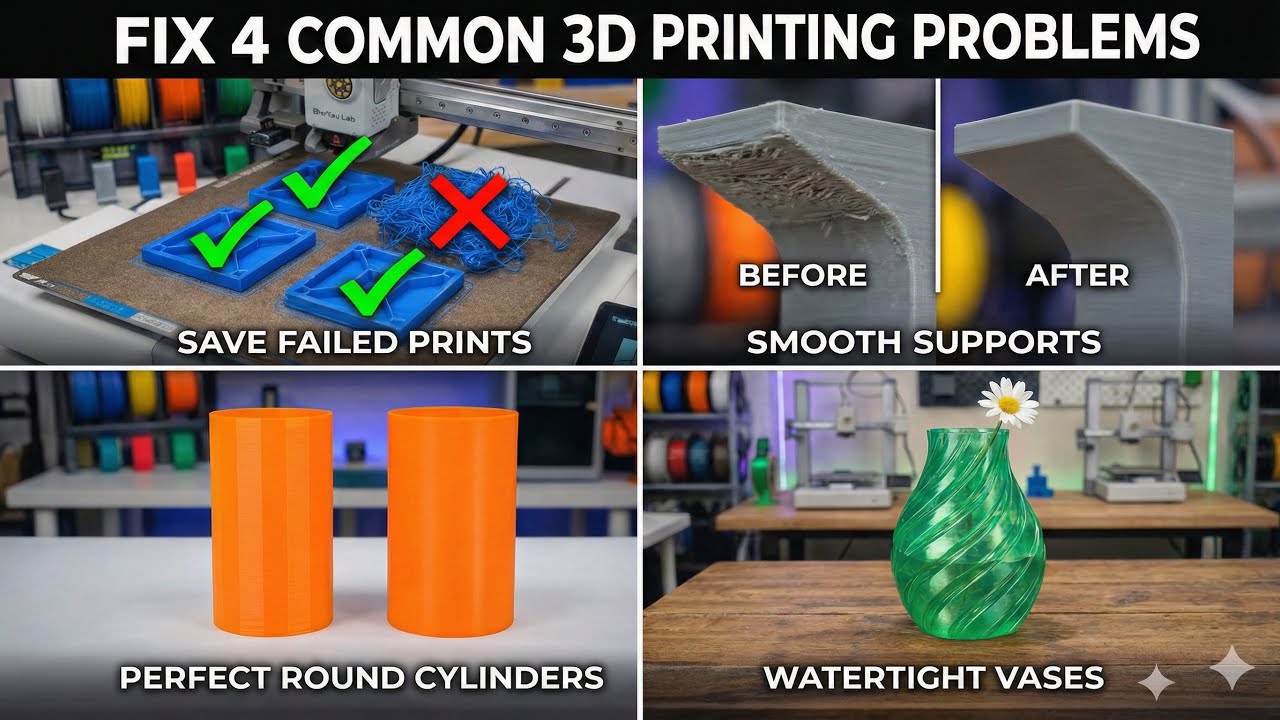
Fix common 3D printing problems with these 4 simple and practical solutions using Bambu Studio and smart slicer settings.
In this video, you’ll learn how to save failed prints, improve support surfaces, fix polygon-looking cylinders, and print completely watertight vases — all using simple adjustments that can dramatically improve your print quality and workflow.
🔧 Tips covered in this video:
- Save failed parts and continue printing
- Get smoother surfaces with support interface ironing
- Fix faceted cylinder prints for perfect curves
- Print leak-proof vases using slicer settings only
These techniques help you save time, filament, and energy while producing cleaner, more professional results.
If you work with multi-part prints or functional models, these tips can significantly improve your 3D printing workflow.
Watch till the end and save this video — it might save your next print!






