
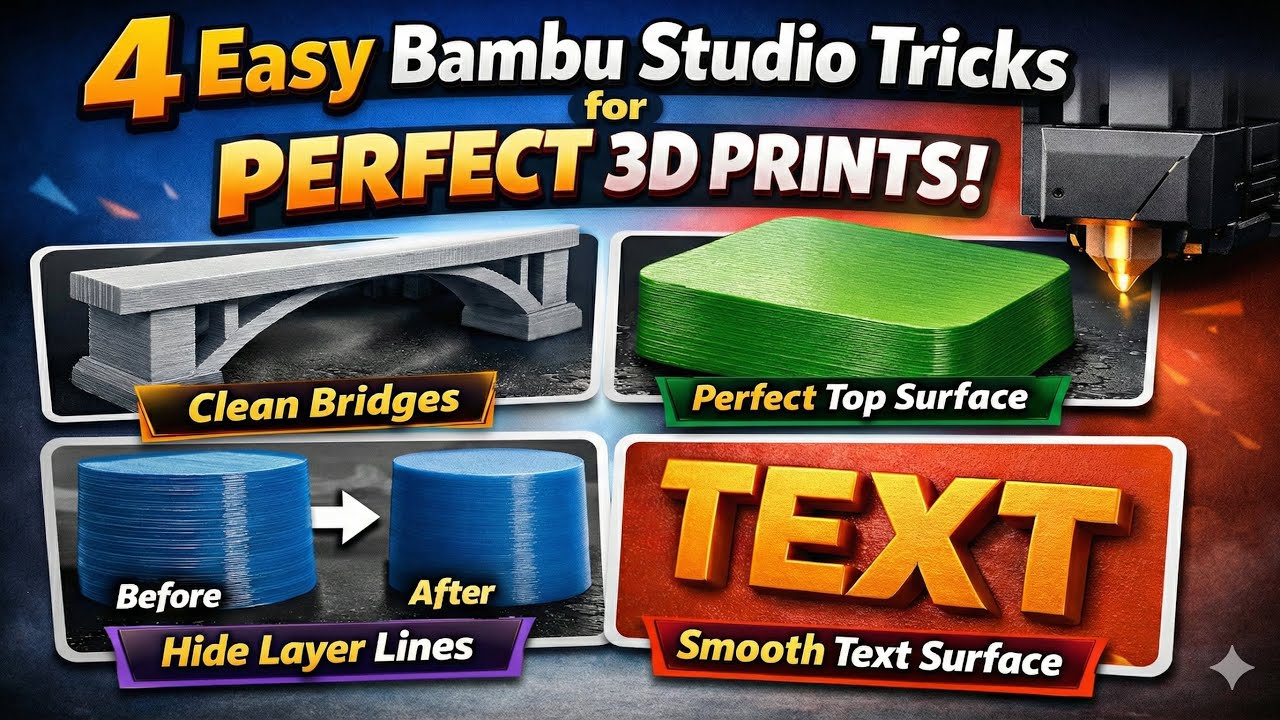
In this video, I cover four practical Bambu Studio techniques that can dramatically improve the quality of your 3D prints and help you achieve more professional results.
Clean Bridges
Learn how to print clean, support-free bridges by properly tuning bridge settings such as bridge speed, bridge flow, and bridge direction. With the right adjustments, you can avoid sagging, failed bridges, and rough undersides while saving time and material.
Perfect Top Surface
I explain how ironing works in Bambu Studio and how to fine-tune key settings like speed, flow, line spacing, and inset. This section shows you how to achieve a smoother, cleaner top surface—especially when printing with PLA.
Hide Layer Lines
Discover how to use Fuzzy Skin together with the Height Range Modifier to hide visible layer lines only where needed. You’ll see how to improve surface appearance without damaging important details, plus a clear comparison between prints with and without Fuzzy Skin.
Smooth Text Surface
If you print raised text, logos, or names, this part is for you. I show how to make the surface under embossed text perfectly smooth and clean—without modifying the model and without complicated tricks.
This tutorial is suitable for both beginners and experienced users who want cleaner surfaces, better detail, and more consistent 3D print quality.
If you found this video helpful, don’t forget to like, comment, and subscribe for more 3D printing tips and tutorials.






