
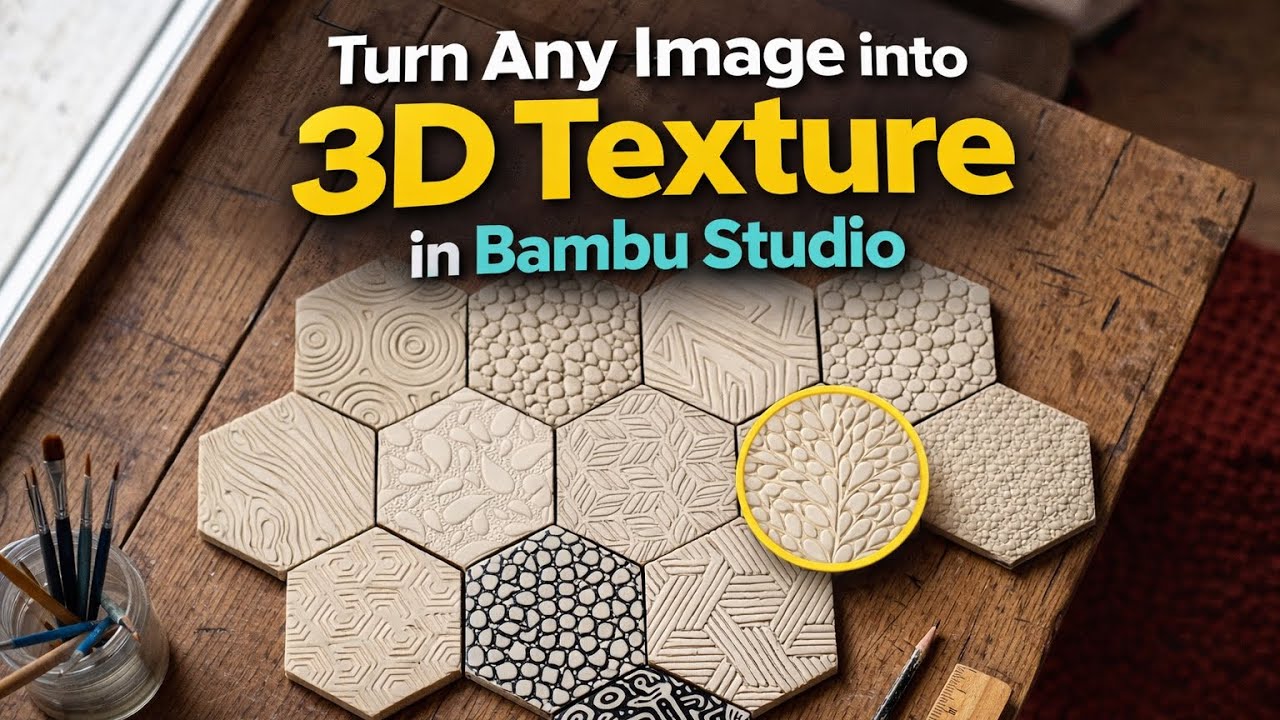
In this tutorial, I show you how to turn any image into a beautiful 3D texture using Bambu Studio.
By converting a simple image into an SVG file, you can easily apply custom textures to your 3D models and create unique surface patterns for your prints.
In this video you will learn:
- How to find texture images
- How to convert an image to SVG
- How to import SVG into Bambu Studio
- How to apply the texture to your model
- How to adjust depth, size, and position
- How to slice and print the final result
This technique allows you to create amazing textured surfaces for decorative prints, tiles, panels, and artistic models.
You can download the model and texture files from my MakerWorld page:
https://makerworld.com/models/2528213?appSharePlatform=copy
If you enjoy 3D printing tips and Bambu Studio tutorials, make sure to subscribe for more projects and tricks.






