
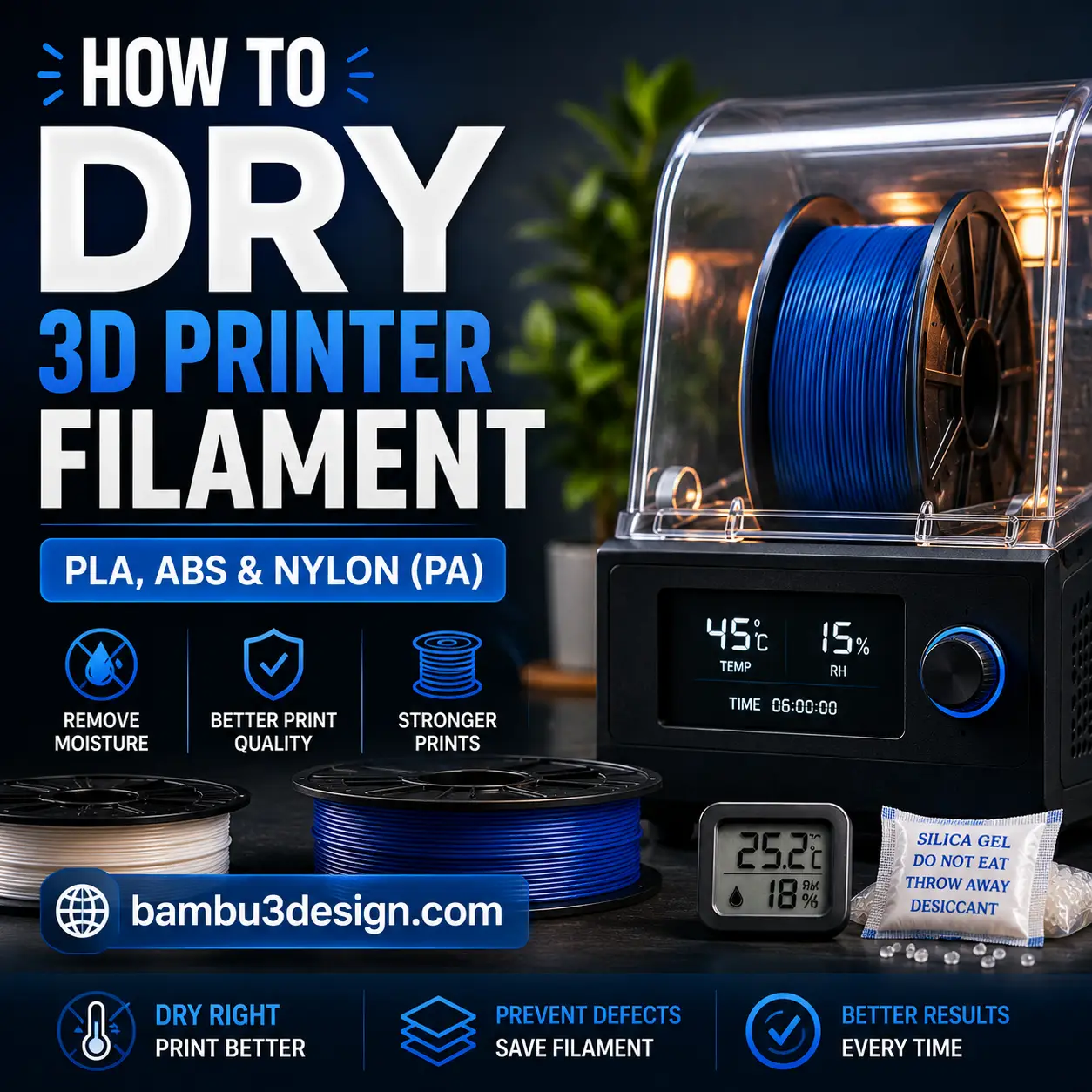
Moisture is one of the most common causes of poor 3D printing quality. Even a high-end 3D printer cannot produce perfect results if the filament has absorbed water from the air. Wet filament can lead to stringing, bubbles, weak layer adhesion, rough surfaces, and reduced mechanical strength.
In this guide, you’ll learn how to identify wet filament, the best ways to dry it, and how to store your filament properly to prevent moisture damage.
Why Does Filament Absorb Moisture?
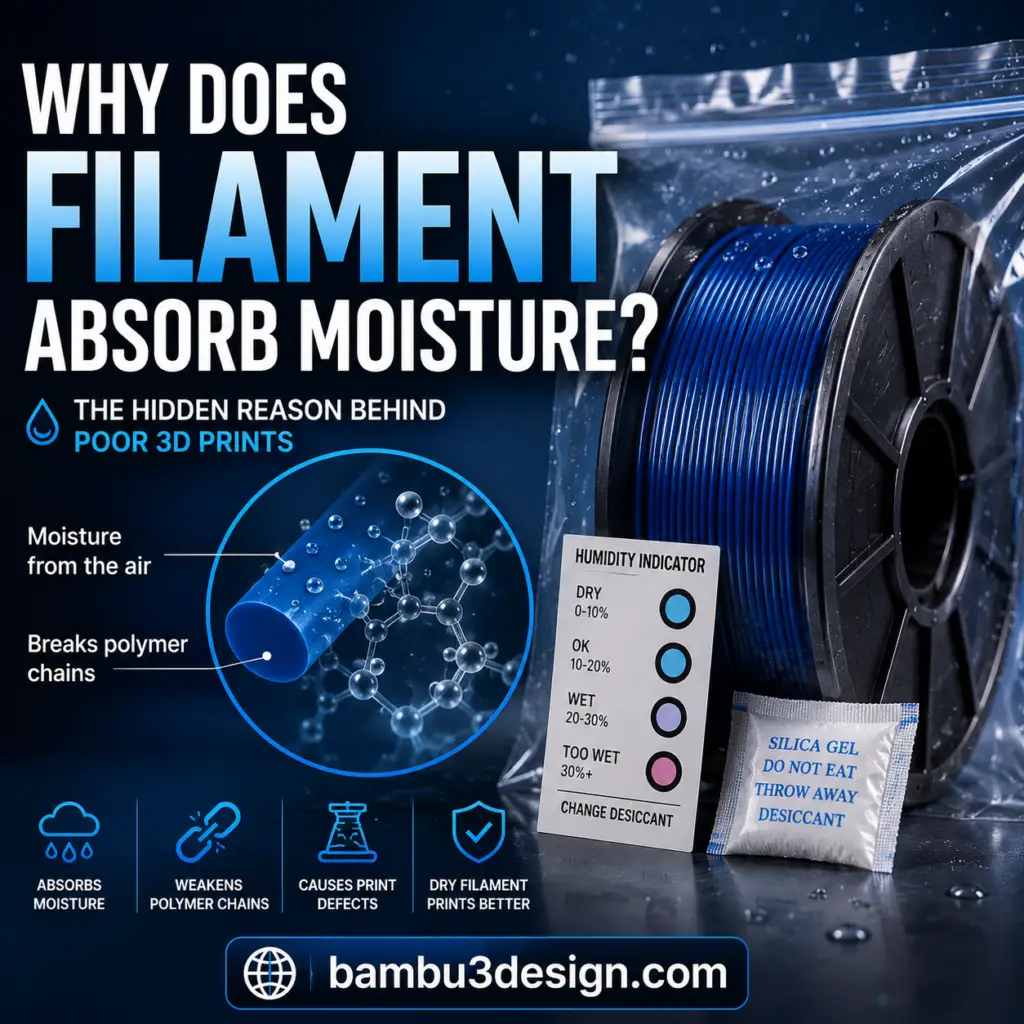
Almost every FDM 3D printing filament is hygroscopic, meaning it naturally absorbs moisture from the surrounding air.
When water molecules penetrate the filament, they begin breaking down the polymer chains. During printing, this trapped moisture rapidly turns into steam inside the hot nozzle, causing defects that reduce print quality and part strength.
Some materials absorb moisture much faster than others. Nylon, TPU, PETG, and PVA are especially sensitive, while PLA absorbs moisture more slowly but still benefits from proper storage.
Signs Your Filament Is Wet
Your filament may contain excess moisture if you notice any of the following:
- Popping or crackling sounds from the nozzle
- Excessive stringing or oozing
- Weak layer adhesion
- Rough or fuzzy surface finish
- Inconsistent extrusion
- Small bubbles or pitted surfaces
- Reduced mechanical strength
If you experience one or more of these problems, drying your filament is strongly recommended.
Method 1: Use a Dedicated Filament Dryer
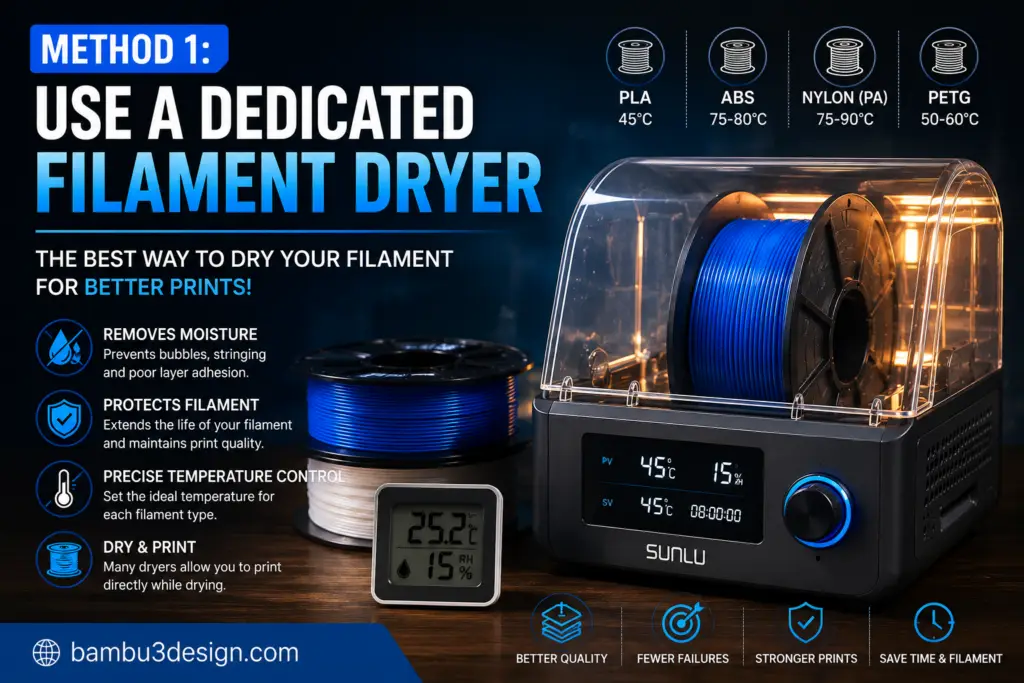
A filament dryer is the safest and most effective solution.
These devices maintain a constant temperature while removing moisture from the filament. Many models also allow you to print directly from the dryer.
Popular options include:
- SUNLU FilaDryer S2
- SUNLU FilaDryer S4
- Creality Space Pi Dryer
- eSUN eBOX Lite
Recommended drying temperatures:
| Material | Temperature | Time |
|---|---|---|
| PLA | 45°C | 4–6 hours |
| ABS | 75–80°C | 4–6 hours |
| Nylon | 75–90°C | 6–12 hours |
Method 2: Dry Filament in an Oven
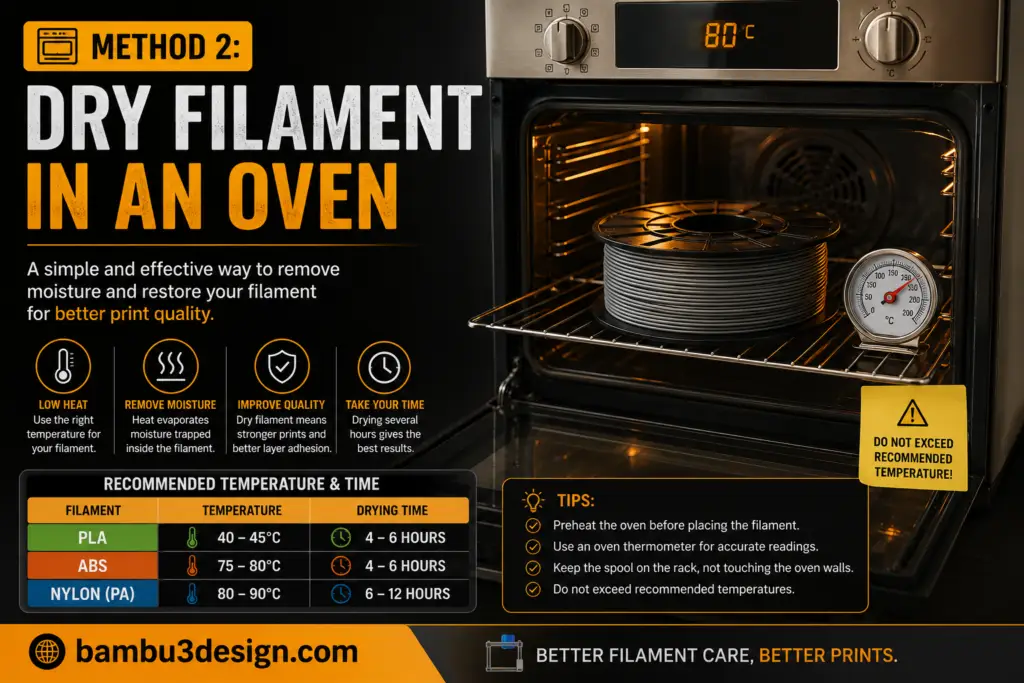
If you don’t own a filament dryer, a conventional oven can also work.
Always preheat the oven before placing the filament inside.
Recommended temperatures:
- PLA: 40–45°C
- ABS: 75–80°C
- Nylon: 80°C
Never exceed the recommended temperature, as the filament spool may deform or melt.
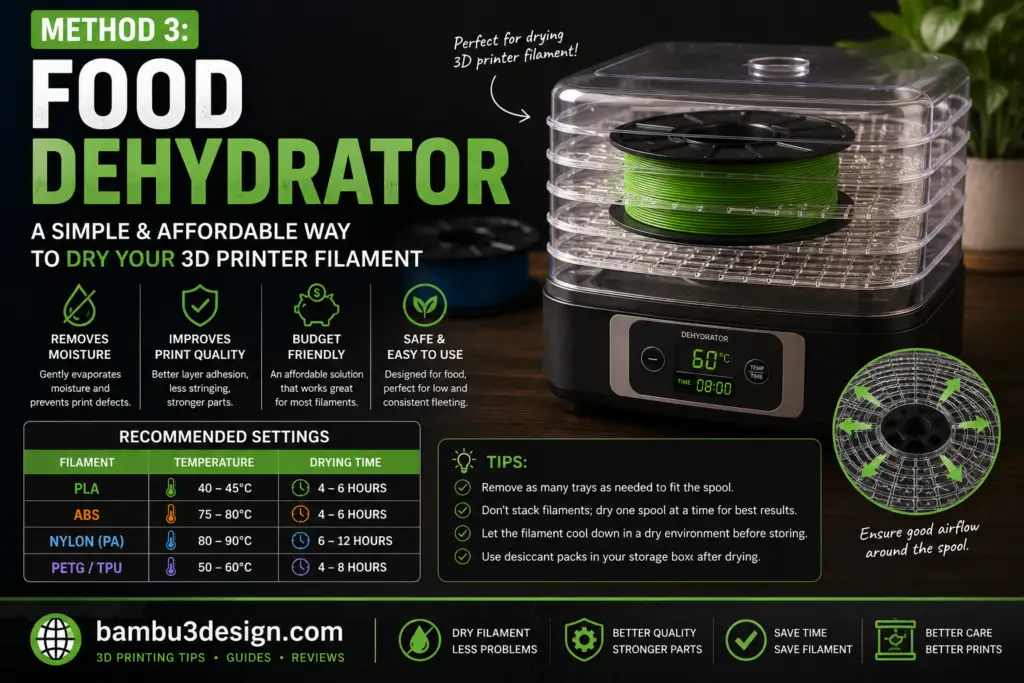
Method 3: Food Dehydrator
Food dehydrators are another excellent option.
They provide gentle and consistent heating, making them safer than many household ovens. Some makers even modify food dehydrators so they can feed filament directly into the printer while drying.
How to Store Filament Properly
Drying filament is only half of the solution. Proper storage prevents moisture from returning.
Best storage practices include:
- Airtight storage boxes
- Vacuum bags
- Silica gel desiccant packs
- Dry cabinets
- Filament dry boxes
Keeping humidity below 20–30% significantly extends filament life.
Which Filaments Absorb the Most Moisture?
High moisture absorption:
- Nylon (PA)
- PVA
- TPU
- PETG
Moderate:
- ABS
- ASA
Lower:
- PLA
Final Thoughts
Moisture can silently ruin your 3D prints, but fortunately it’s easy to prevent.
Whether you use a dedicated filament dryer, an oven, or a food dehydrator, drying your filament before printing can dramatically improve print quality, reduce failed prints, and extend the life of your materials.
For the best long-term results, always combine proper drying with airtight storage and fresh desiccant packs.
Happy Printing!






