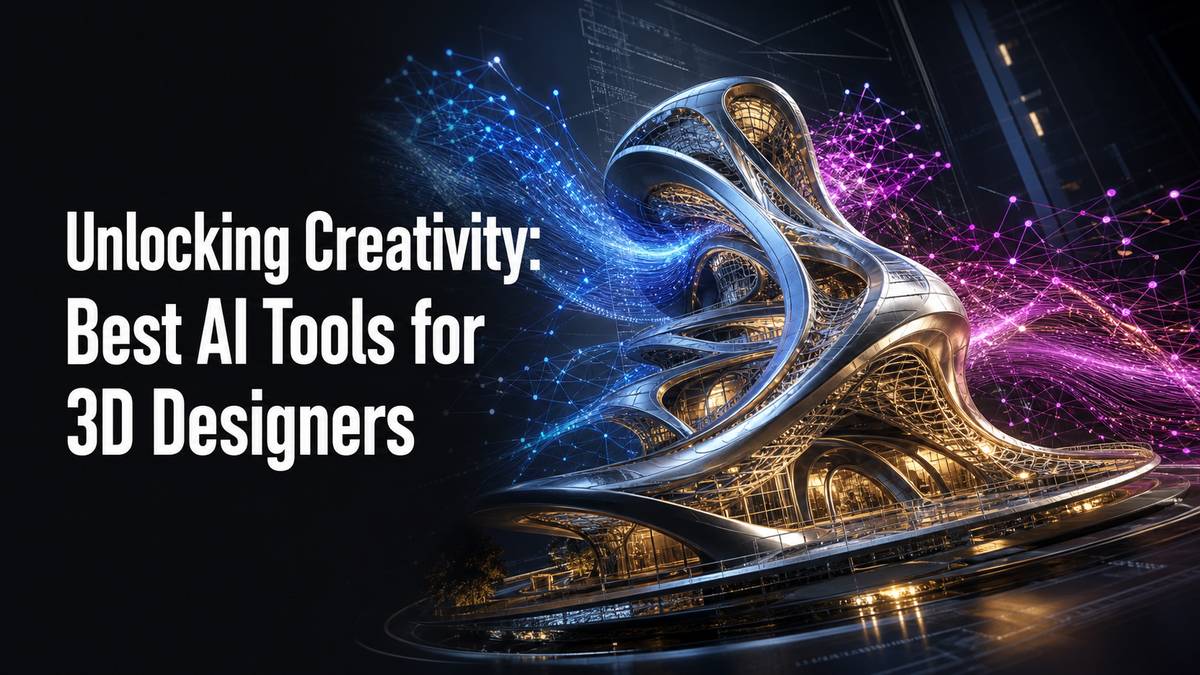
The world of 3D design is constantly evolving, and at the forefront of this transformation is Artificial Intelligence (AI). What once seemed like science fiction is now an invaluable asset, enabling 3D designers, hobbyists, and professionals alike to streamline workflows, unlock new creative avenues, and produce astonishing results.
From generating initial concepts to automating complex modeling tasks, creating realistic textures, and optimizing models for 3D printing, AI tools are redefining what’s possible. If you’re looking to elevate your 3D design game, understanding and integrating these powerful AI solutions is crucial. This guide will walk you through some of the best AI tools currently available for 3D designers.
Why AI is a Game-Changer for 3D Designers
AI isn’t here to replace human creativity; rather, it amplifies it. By automating repetitive or complex tasks, AI frees up designers to focus on the artistic and innovative aspects of their work. Key benefits include:
- Accelerated Ideation: Quickly generate multiple design variations or concepts.
- Workflow Efficiency: Automate tasks like retopology, UV unwrapping, and material generation.
- Enhanced Realism: Create hyper-realistic textures and improve rendering quality.
- Optimization: Reduce polygon count, repair meshes, and prepare models for manufacturing (e.g., 3D printing) more effectively.
- Accessibility: Lower the barrier to entry for complex design processes.
Key AI Applications and Tools in 3D Design
AI tools cater to various stages of the 3D design pipeline. Let’s explore some of the most impactful categories and the tools leading the charge.
1. Concept Generation and Ideation
Starting a project often involves brainstorming and visualizing concepts. AI can kickstart this process, providing inspiration and initial models based on simple text prompts or sketches.
- Midjourney / DALL-E 3 / Stable Diffusion: While primarily image generators, these tools are invaluable for generating concept art, mood boards, and visual references from text descriptions. Designers can use these outputs as a springboard for 3D modeling.
- Tip: Experiment with descriptive prompts detailing style, lighting, and materials to get closer to a 3D-ready concept.
- Luma AI (Text-to-3D): This emerging tool allows users to generate 3D models from text prompts. While still evolving, it promises to drastically speed up the initial block-out phase for simple objects.
- Meshy (Text-to-3D, Image-to-3D): Meshy offers similar capabilities, allowing users to create 3D assets from text or even existing images. It’s particularly useful for generating game assets or props quickly.
2. Automated Modeling and Sculpting
Creating detailed 3D models can be time-consuming. AI assists by automating parts of the modeling process or offering generative design capabilities.
- Autodesk Fusion 360’s Generative Design: This powerful feature uses AI to explore countless design solutions based on user-defined parameters like load requirements, materials, and manufacturing methods. It’s excellent for creating lightweight, optimized parts, especially for additive manufacturing (3D printing).
- Common Mistake: Not defining clear constraints can lead to impractical or overly complex designs.
- DreamFusion / Spline AI: These tools are pushing the boundaries of neural radiance fields (NeRFs) and Gaussian Splatting, enabling users to create detailed 3D scenes from 2D images or text prompts. While not traditional modeling, they offer a new way to capture and represent 3D reality.
- Blender AI Add-ons: The Blender community is constantly developing AI-powered add-ons for tasks like procedural generation, retopology, and even smart sculpting brushes that can suggest details.
3. Texturing and Material Generation
Realistic textures are crucial for bringing 3D models to life. AI significantly simplifies and enhances this process.
- Adobe Substance 3D Sampler (AI-powered): This tool uses AI to transform real-world photos into seamless, tileable PBR (Physically Based Rendering) materials. It can extract details like normal maps, roughness, and metallic properties automatically, saving hours of manual work.
- Tip: Use high-resolution, evenly lit source images for the best results.
- Polycam: Primarily known for photogrammetry, Polycam uses AI to reconstruct 3D models from photos, automatically generating realistic PBR textures in the process. It’s fantastic for capturing real-world objects and environments.
- Stable Diffusion / Midjourney (for texture maps): While not direct texture generators, these image AI tools can be used to create unique patterns, albedo maps, or abstract designs that can then be processed in a tool like Substance 3D Sampler or Photoshop for use as textures.
4. Optimizing 3D Models
For 3D printing, game development, or augmented reality, optimized models are essential. AI can help reduce file sizes, improve mesh quality, and prepare models for specific applications.
- Instant Meshes / Quadriflow: These are advanced open-source and commercial remeshing tools that use AI algorithms to convert complex, triangulated meshes into clean, quad-based topology. This is vital for animation, sculpting, and even improving 3D print quality by simplifying geometries.
- AI-powered Mesh Repair Tools: Many advanced CAD and 3D modeling software now incorporate AI to automatically detect and fix common mesh errors like holes, non-manifold edges, and inverted normals, which are critical for successful 3D printing.
- Simplify3D / Cura (Slicer Optimizations): While not direct AI modelers, modern slicers use sophisticated algorithms (often AI-enhanced) to optimize print paths, support generation, and material usage, effectively improving print quality and efficiency.
5. Rendering and Animation Enhancement
Achieving photorealistic renders and smooth animations often requires significant computational power and time. AI is stepping in to speed up these processes and enhance visual fidelity.
- NVIDIA Omniverse (RTX & AI Denoisers): Omniverse leverages NVIDIA’s RTX technology with AI-powered denoisers to dramatically reduce rendering times while maintaining high visual quality. It’s a platform for real-time collaboration and physically accurate simulations.
- V-Ray / OctaneRender (AI Denoisers): Leading render engines like V-Ray and Octane integrate AI denoisers to clean up noisy renders quickly, allowing designers to achieve final-quality images in a fraction of the time.
- Common Mistake: Relying too heavily on denoisers for very low sample counts can sometimes lead to loss of fine detail or ‘smudginess.’
- RunwayML (AI for Animation and Video): While more focused on video, RunwayML offers powerful AI tools like text-to-video generation, inpainting, and motion tracking that can assist 3D animators in creating backgrounds, visual effects, or enhancing character movements.
Choosing the Right AI Tool for Your Workflow
With so many options, selecting the best AI tool depends on your specific needs and current workflow.
- Identify Your Bottlenecks: Where in your 3D design process do you spend the most time or face the biggest challenges? (e.g., concepting, texturing, optimization)
- Integration: How well does the AI tool integrate with your existing software (e.g., Blender, Fusion 360, ZBrush, Bambu Studio)?
- Learning Curve: Some tools are more intuitive than others. Consider the time commitment for mastering new software.
- Cost vs. Benefit: Evaluate free, subscription-based, or one-time purchase options against the value they add to your projects.
- Community Support: A strong community or good documentation can be invaluable for troubleshooting and learning.
The Future of AI in 3D Design
The integration of AI into 3D design is still in its early stages, but the pace of development is astounding. We can expect to see:
- More seamless AI integration: AI features becoming standard within mainstream 3D software.
- Advanced generative capabilities: Creating complex, functional objects from minimal input.
- Improved real-time design: AI assisting in live feedback and adjustments during the design process.
- Personalized design agents: AI tools learning from a designer’s style and preferences to offer tailored suggestions.
Conclusion
AI tools are no longer a novelty; they are essential components of a modern 3D designer’s toolkit. From accelerating concept development and automating tedious modeling tasks to generating realistic textures and optimizing models for production, AI empowers designers to work smarter, faster, and more creatively. Embrace these technologies, experiment with their capabilities, and watch your 3D design projects reach new heights. The future of 3D design is here, and it’s powered by AI.