
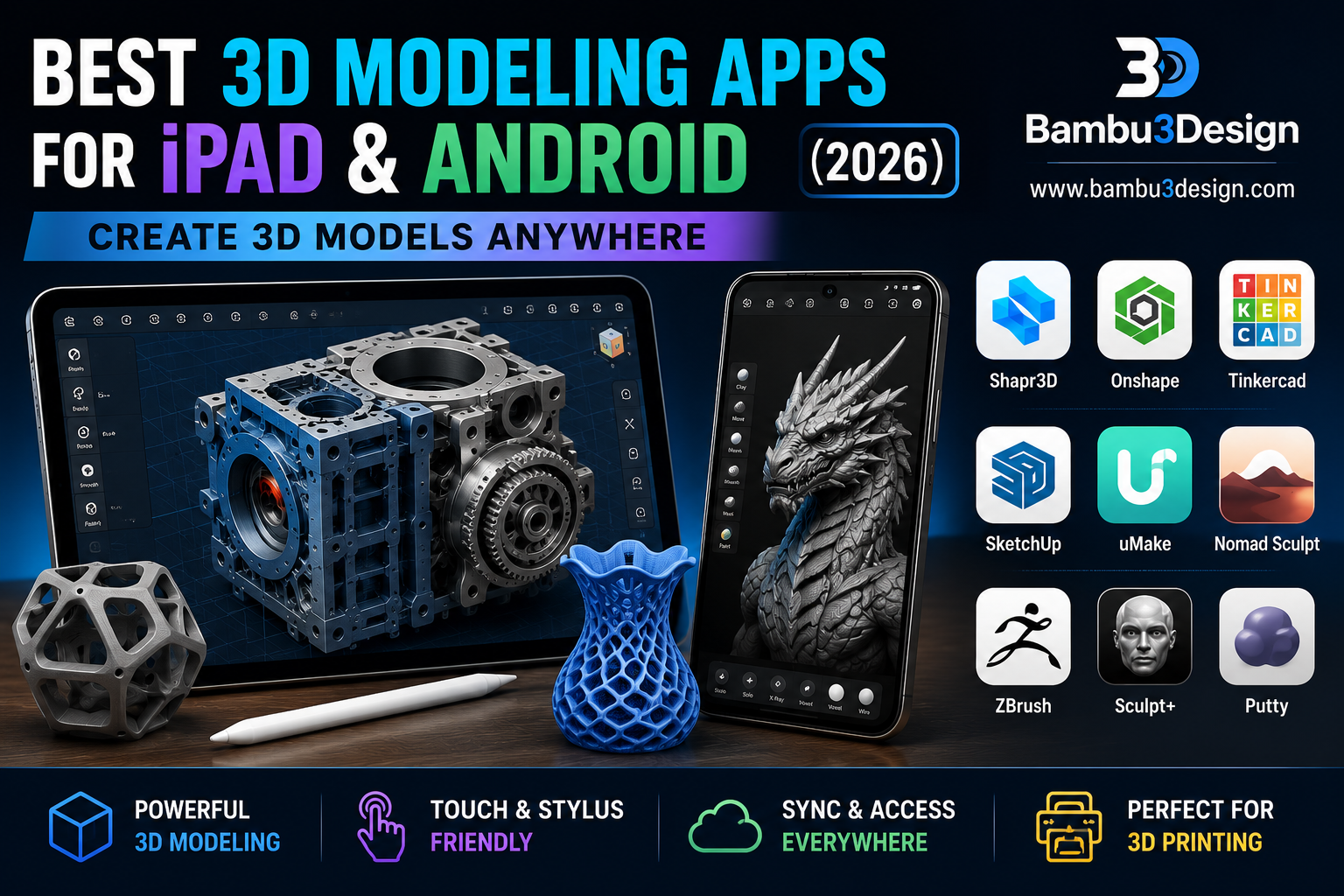
Introduction
Powerful smartphones and tablets have transformed the way designers create 3D models. Tasks that once required expensive desktop workstations can now be completed on an iPad or Android tablet from almost anywhere.
Whether you’re designing functional parts for 3D printing, creating mechanical components, or sculpting detailed characters, today’s mobile apps offer impressive performance and professional-grade features.
In this guide, we compare the best 3D modeling apps for iPad and Android in 2026, highlighting their strengths, weaknesses, pricing, and ideal use cases.
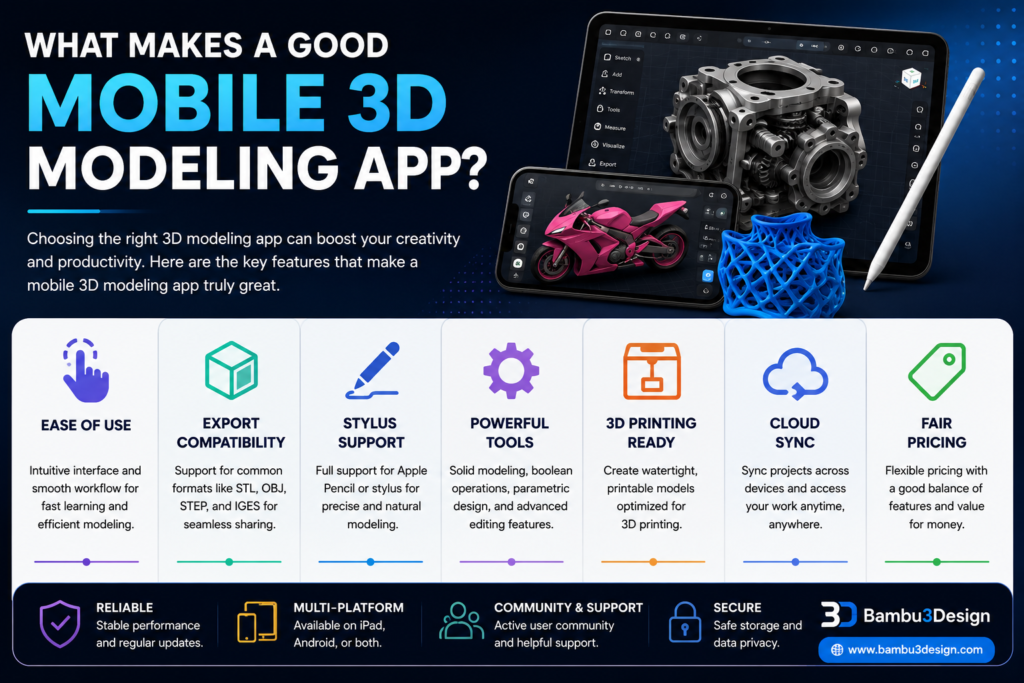
What Makes a Good Mobile 3D Modeling App?
Before choosing an app, consider:
- Ease of use
- Export compatibility (STL, OBJ, STEP)
- Apple Pencil or Stylus support
- Professional CAD features
- Sculpting capabilities
- Compatibility with 3D printing
- Cloud synchronization
- Free vs paid plans
Best Apps for Mechanical Design & CAD
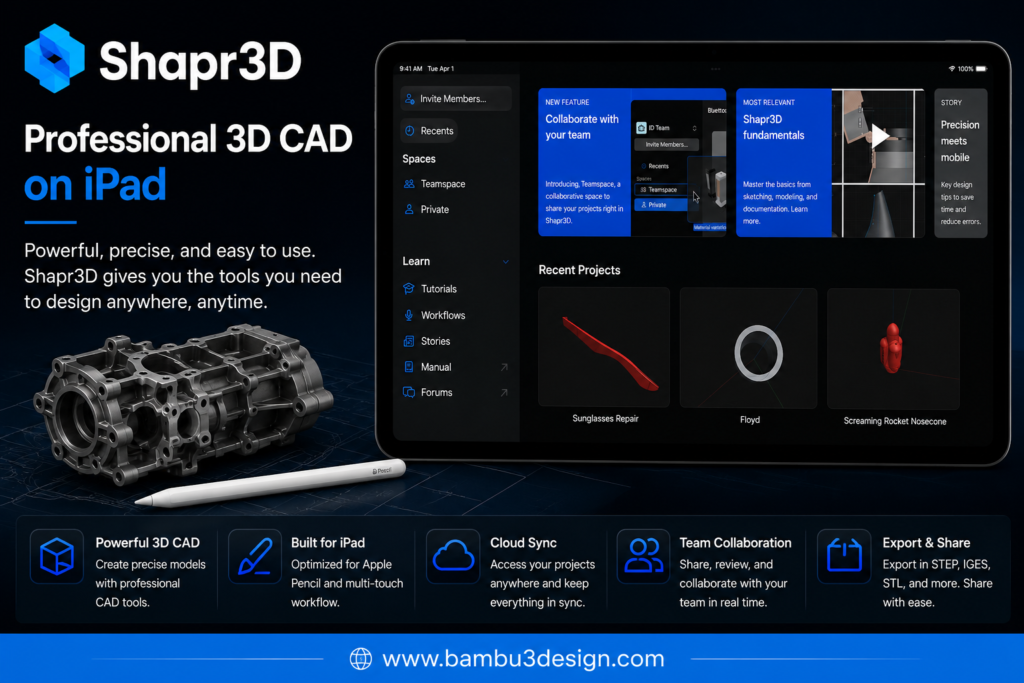
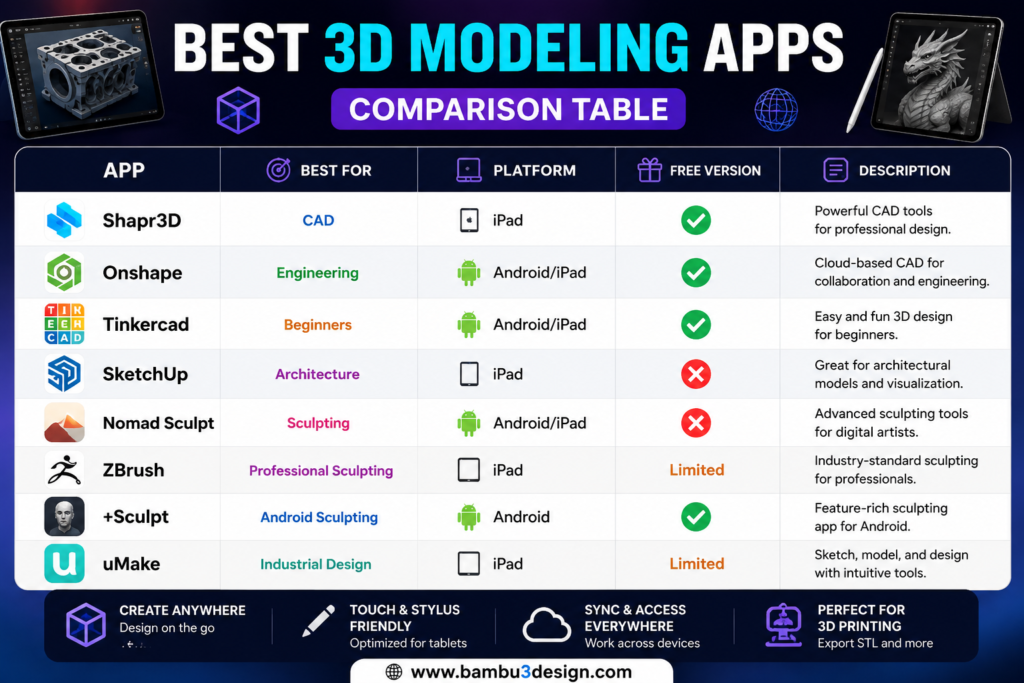
1. Shapr3D ⭐⭐⭐⭐⭐
Best for: Engineers and Product Designers
Shapr3D has become one of the most powerful CAD applications available on tablets. Built on the Siemens Parasolid engine, it offers precision modeling comparable to desktop CAD software.
Pros
- Professional CAD tools
- Apple Pencil support
- STEP, IGES, STL export
- Parametric modeling
- Fast workflow
Cons
- Premium subscription required for advanced features
Platform: iPadOS
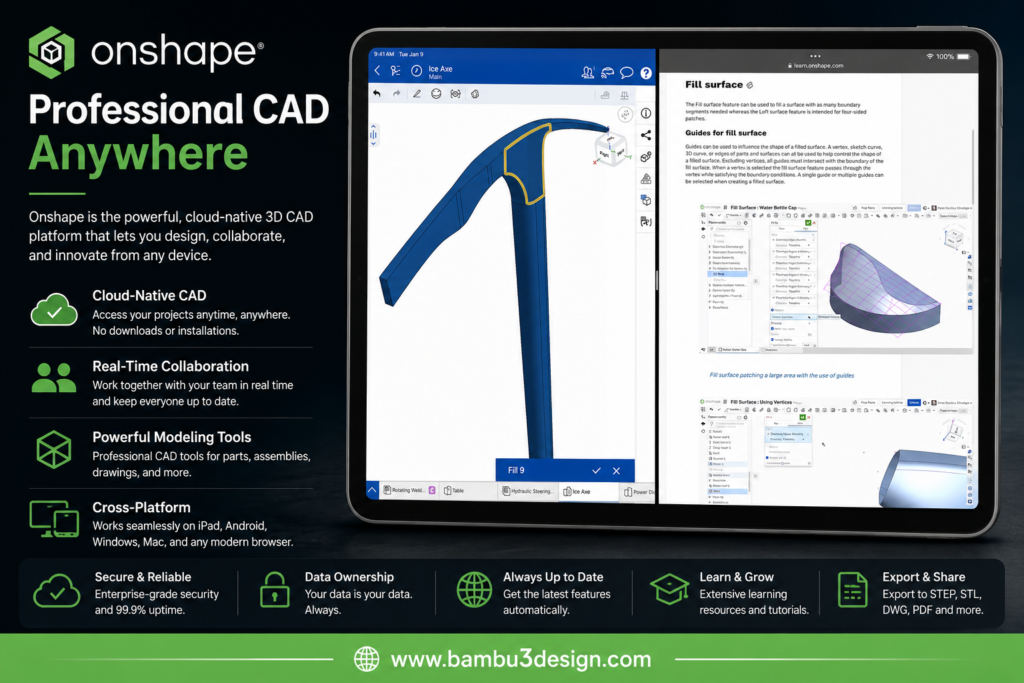
2. Onshape
Perfect for collaborative engineering projects.
Advantages
- Cloud-based
- No installation required
- Professional CAD workflow
- Multi-device synchronization
Best for engineers who already use Onshape professionally.
Compatibility: iPadOS, Android
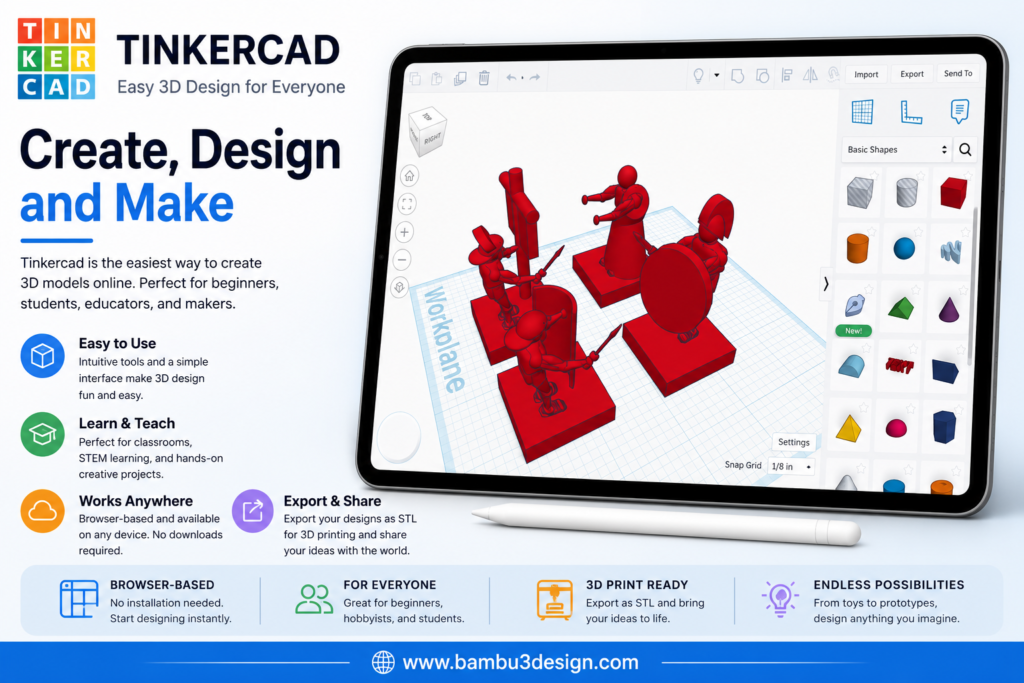
3. Tinkercad
If you’re new to 3D printing, Tinkercad is still one of the easiest places to start.
Ideal for:
- Beginners
- Students
- Educational projects
- Simple printable models
Compatibility: iPadOS, Android
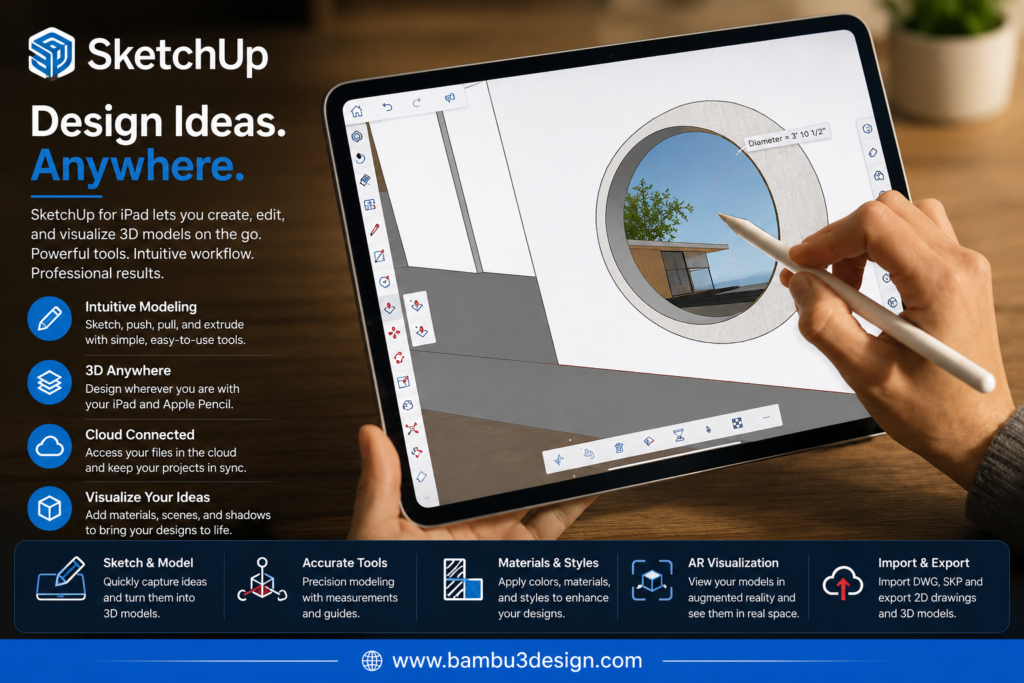
4. SketchUp
SketchUp excels at architectural visualization and concept design.
Best suited for:
- Architecture
- Interior design
- Furniture
- Building concepts
Compatibility: iPadOS
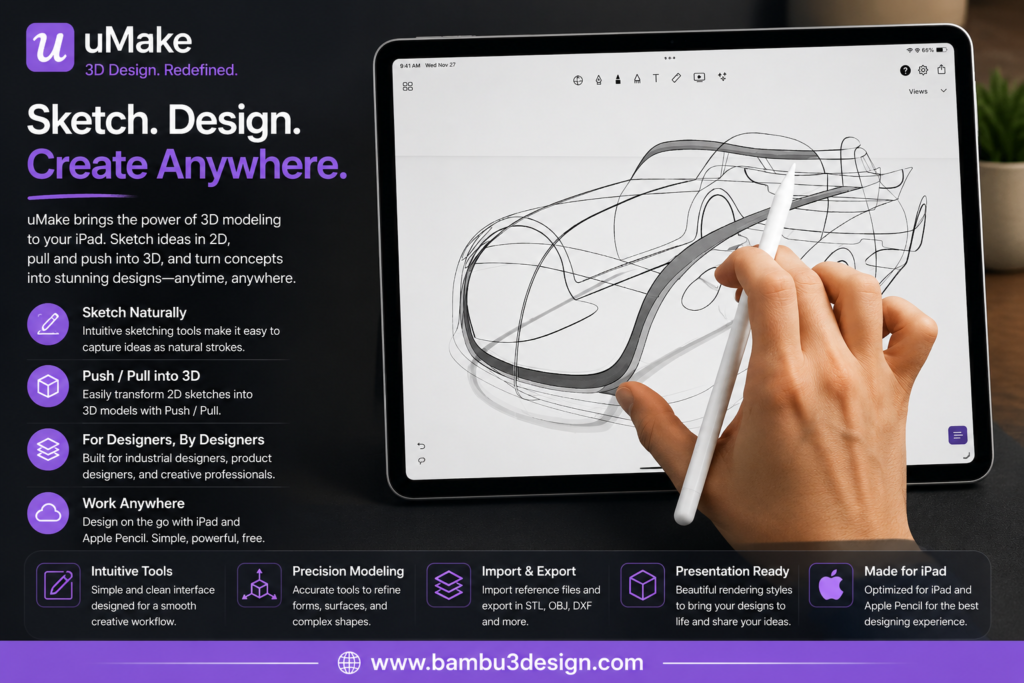
5. uMake
Unlike traditional CAD software, uMake focuses on intuitive sketch-based modeling.
Excellent for:
- Industrial design
- Product concepts
- Rapid ideation
Best Apps for 3D Sculpting
Organic modeling requires different tools from mechanical CAD.
These apps focus on digital sculpting.
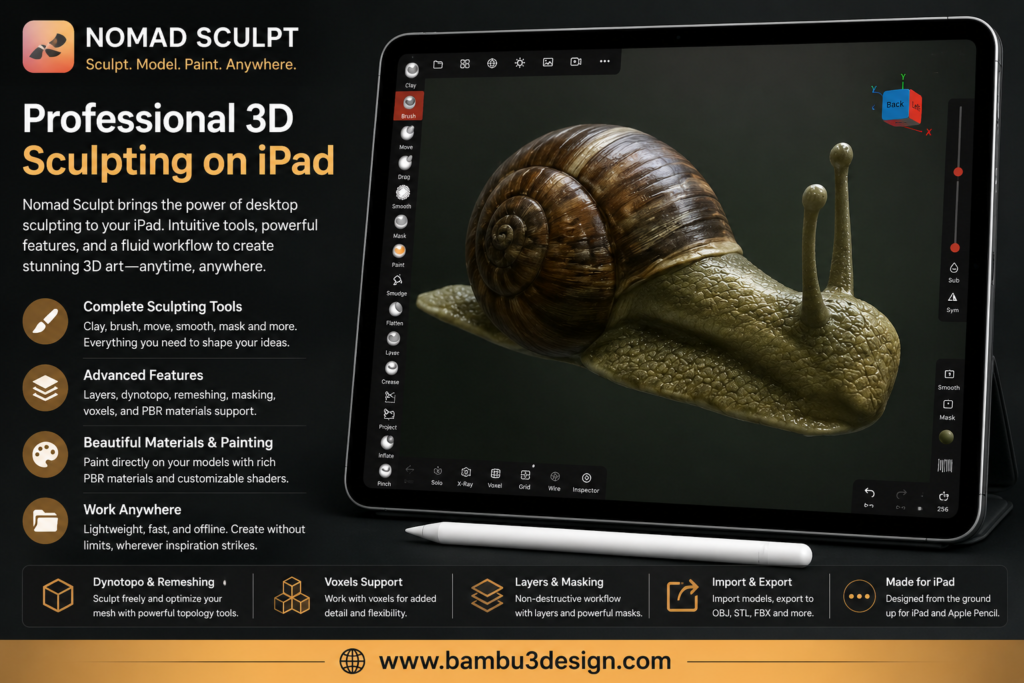
6. Nomad Sculpt ⭐⭐⭐⭐⭐
Probably the most popular sculpting application available on mobile devices.
Perfect for:
- Characters
- Miniatures
- Statues
- Game assets
Supports pressure-sensitive styluses and offers real-time rendering.
Compatibility: iOS, iPadOS, Android
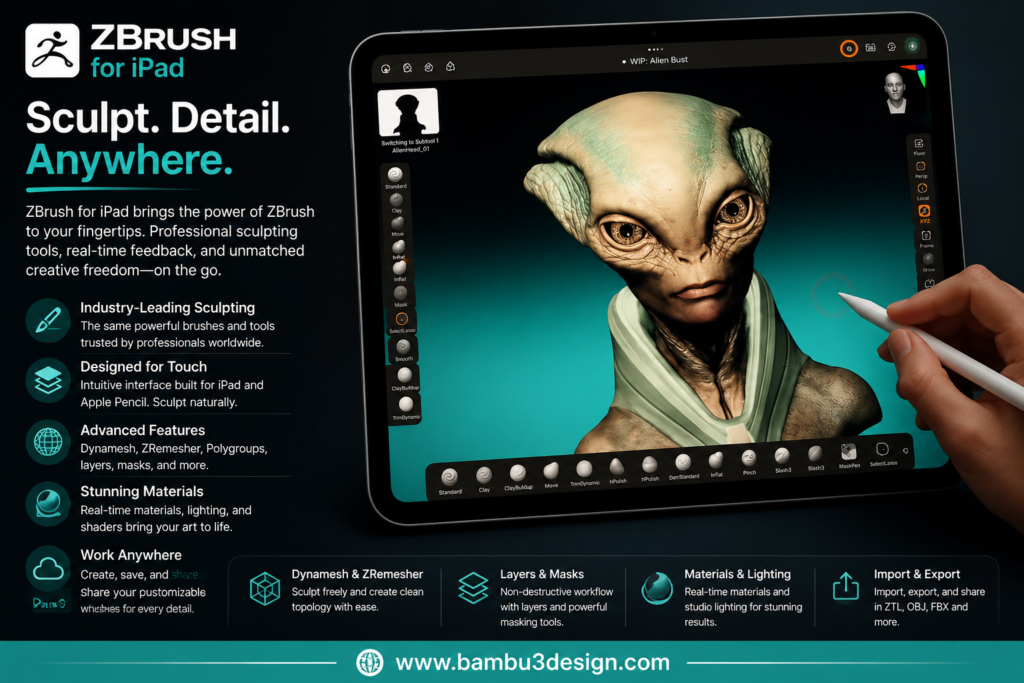
7. ZBrush for iPad
Maxon’s legendary sculpting software is finally available on iPad.
Ideal for professionals working in:
- Film
- Gaming
- Character design
- Animation
Compatibility: iPadOS
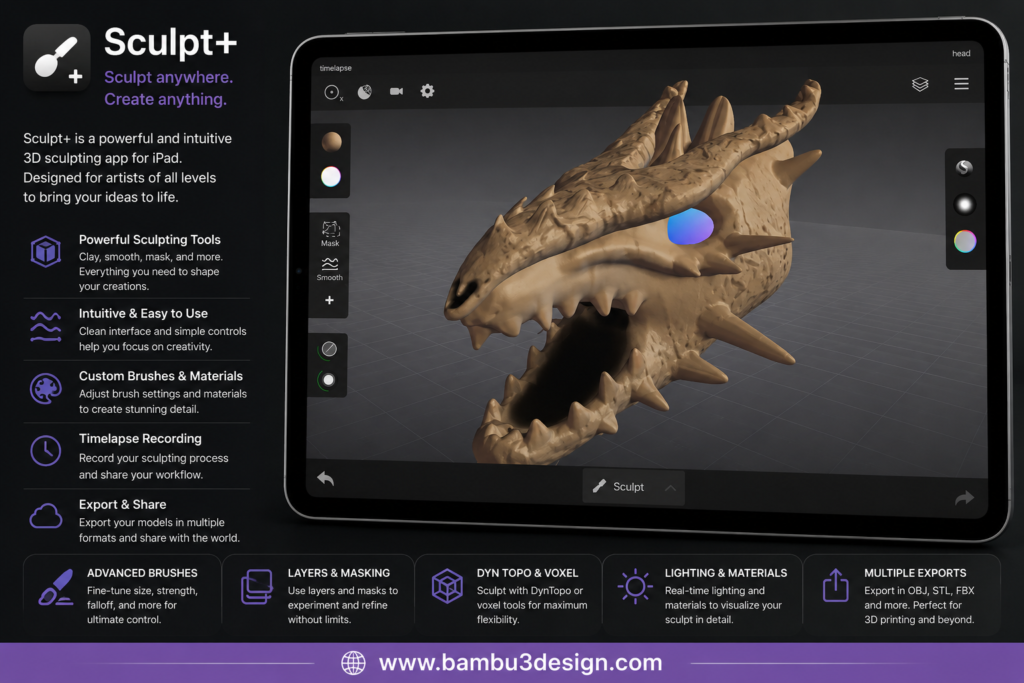
8. Sculpt+
Android users looking for digital sculpting should definitely consider Sculpt+.
Features include:
- Dynamic topology
- Custom brushes
- Turntable GIF export
Compatibility: Android
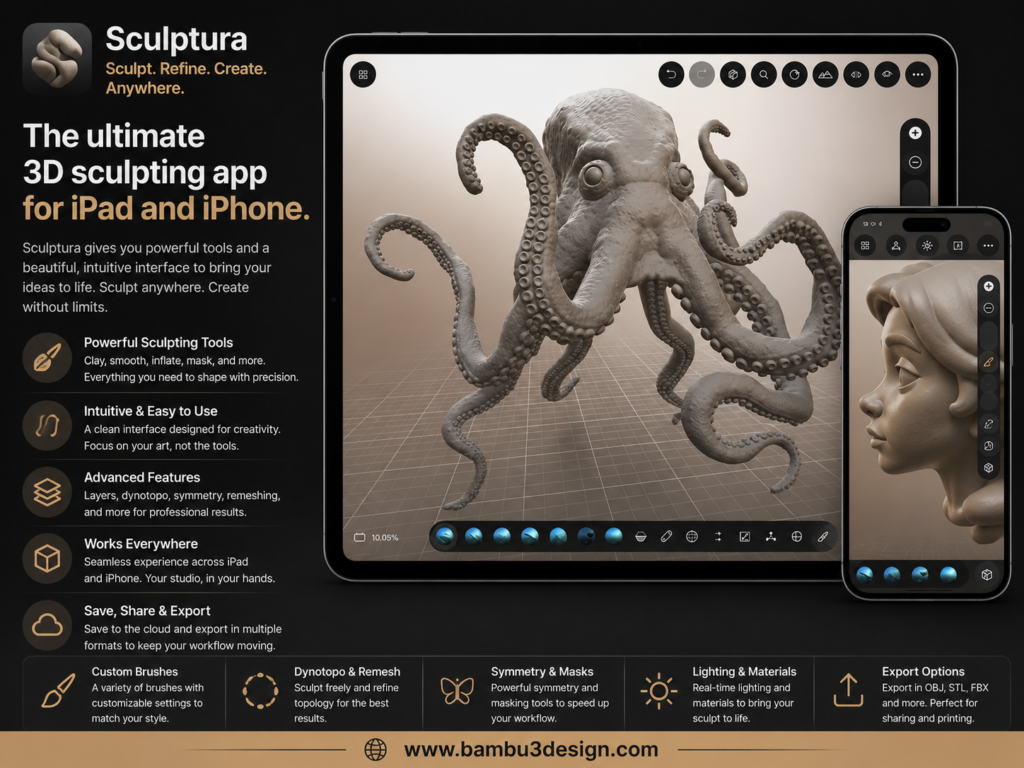
9. Sculptura
An intuitive clay-like sculpting application.
Great for:
- Concept artists
- Beginners
- Organic modeling
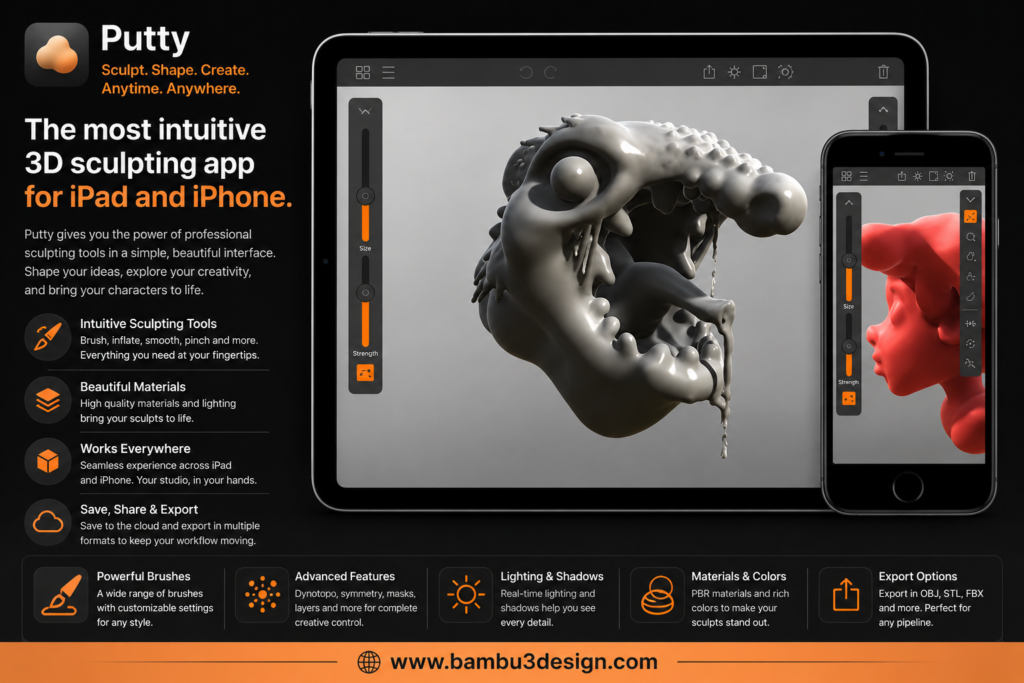
10. Putty
Simple, lightweight, and inexpensive.
Although feature-limited compared with Nomad Sculpt, it’s perfect for quick concept work.
Which App Is Best for 3D Printing?
If your goal is printing functional parts:
🥇 Shapr3D
🥈 Onshape
🥉 Tinkercad
If you’re creating figurines:
🥇 Nomad Sculpt
🥈 ZBrush
🥉 Sculpt+
Final Thoughts
Mobile devices have become capable design tools for both hobbyists and professionals.
Whether you’re creating engineering components, product concepts, or detailed character sculptures, there is now a powerful mobile application that fits your workflow.
For beginners, Tinkercad remains the easiest choice. Engineers will appreciate Shapr3D and Onshape, while artists should look toward Nomad Sculpt or ZBrush.






