
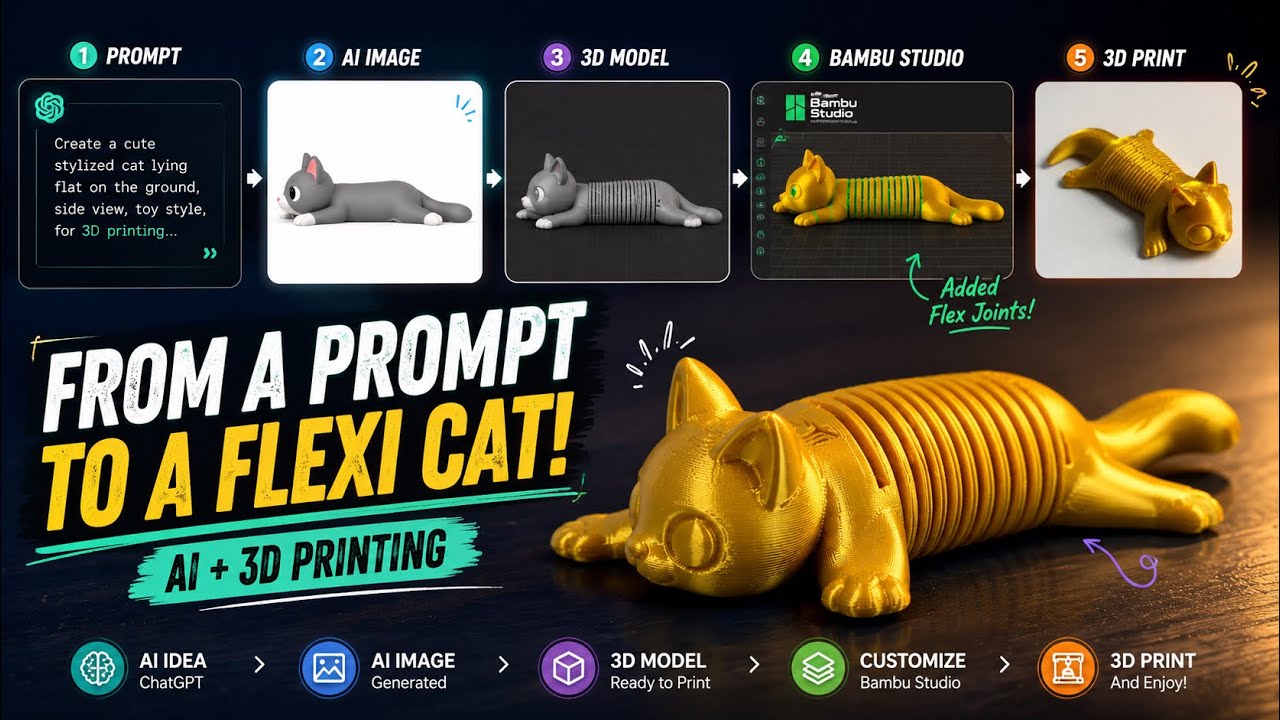
In this tutorial, I’ll show you the complete workflow from a simple ChatGPT prompt to a fully 3D printed flexible cat.
📌 In this video you’ll learn how to:
Generate an AI image with ChatGPT
Convert the image into a 3D model using MakerWorld AI
Download the generated STL
Add a Flex Joint in Bambu Studio
Slice and prepare the model for printing
Print the final articulated model on a Bambu Lab printer
📱 Scan the QR codes in the video to get:
The exact ChatGPT prompt
The Flex Joint file
📦 The final STL file is also available on MakerWorld. You can download it using the link below.
🔗 MakerWorld STL Download:
https://makerworld.com/en/models/2996714-cute-print-in-place-flexi-cat#profileId-3364053
🌐 Website:
https://bambu3design.com
👍 If you enjoyed this tutorial, don’t forget to Like, Subscribe, and share it with other makers!






