
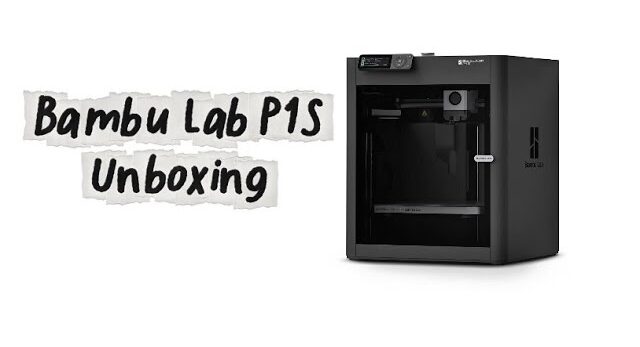
🎥 In this video, we unbox the Bambu Lab P1S 3D printer step by step.
From opening the box to getting the printer ready for the first print, I’ll show you everything in detail so you can easily follow along if you own or plan to buy this printer.
🔹 What’s inside this video:
• Unboxing and checking all the contents 📦
• Introducing the accessories and included parts 🛠️
• Important notes when removing the protectors and ties ✂️
• Installing the filament holder and initial setup 🎞️
• Powering on the printer and reviewing the LCD messages 🔆
• Running the automatic calibration and explaining each step ⚙️
• Preparing the printer for the first print 🖨️
This video is helpful for beginners who are new to Bambu Lab printers, as it clearly shows all the essential steps for setup and calibration.
✅ If you have any questions, feel free to leave them in the comments — I’ll be happy to help you!






