
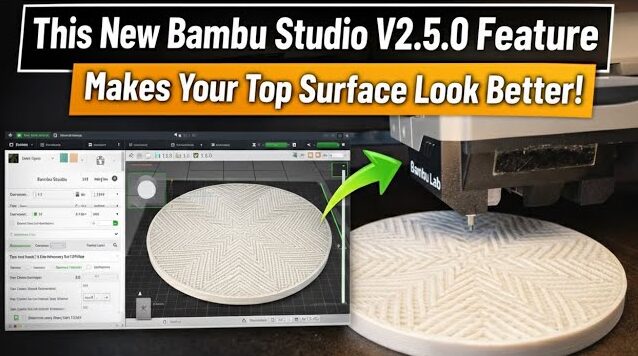
In this video, I first show how to set up the top surface texture in Bambu Studio V2.5.0, including pattern and density settings.
Next, you’ll see the printing process on the printer, so you can understand how these settings are applied in real time.
Finally, I place all the printed parts side by side to clearly compare the different top surface results and textures.
This step-by-step workflow helps you see how software settings translate into real print quality.
If you found this video helpful, please give it a like.
If you have any suggestions, ideas, or feedback, feel free to leave a comment below.






