
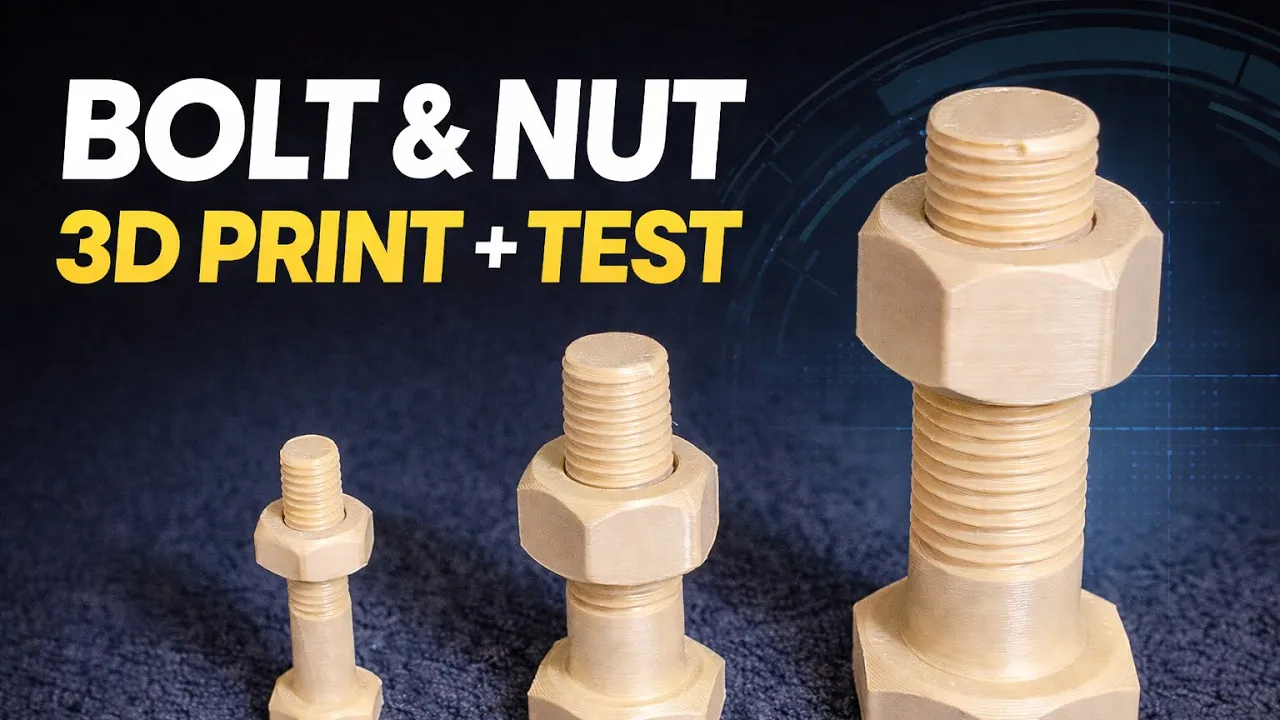
In this video, I design a fully functional bolt and nut from scratch in SolidWorks, then 3D print them and test them in real life.
The complete standard dimension table is also shown in the video so you can design accurately and professionally.
In this tutorial, you will learn:
- How to design precise hex geometry
- How to use the standard dimension table
- Modeling the bolt shaft and head
- Creating external threads using the Die option
- Creating internal threads in the nut using the Tap option
- Adjusting clearance for smooth thread engagement in 3D printing
- Exporting clean STL files
- Choosing a lower layer height for small threads
- Enabling brim to prevent lifting during printing
- Final real-world testing of the printed parts
- Testing the smooth screwing and unscrewing performance
This video covers the complete workflow — from design to 3D printing and functional testing.
If you’re interested in mechanical design, thread modeling, and functional 3D printing, this tutorial will guide you step by step.






