
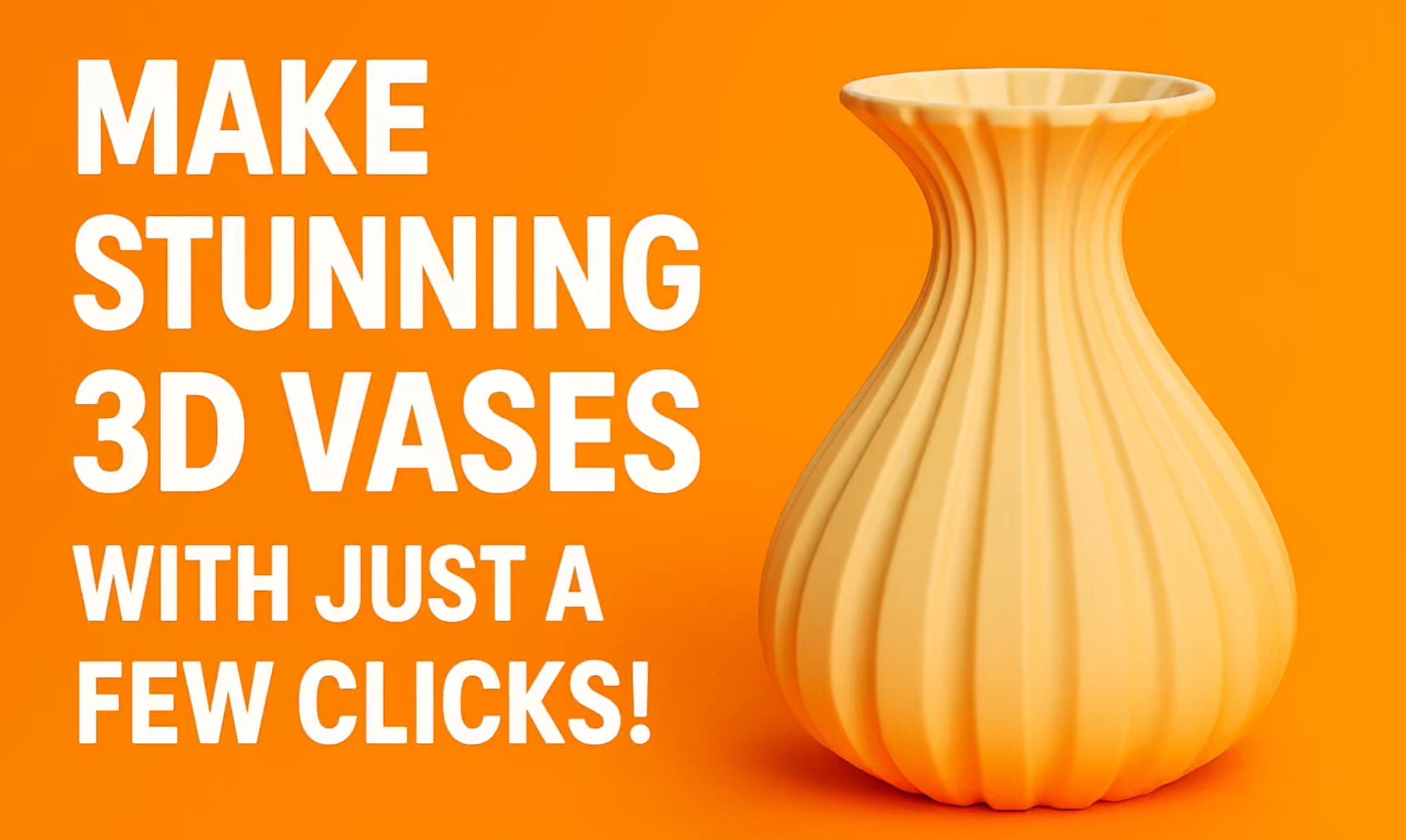
Create your own custom 3D-printed vase with just a few clicks!
In this video, I take you step-by-step through the Make My Vase feature inside Bambu Studio, showing you exactly how to design, shape, and customize a vase from scratch.
We explore every important tool, including:
-
- Cross Section Shapes – Default, Polygon, Wave, Free Shape
-
- Drawing Modes – Half, Quarter, Windmill, and Free Draw
-
- Shape Transform – Add twisting effects for a dynamic look
-
- Surface Effects – Strip patterns, Voronoi style, Low Poly textures
-
- Vase Modes – Normal mode for wall thickness and Spiral Vase for a solid filled print
-
- Manual adjustments – Change height, diameter, and proportions with intuitive handles
By the end of the tutorial, you’ll know exactly how to design a unique vase that reflects your own style.
BONUS:
At the end of the video, enjoy a smooth and relaxing time-lapse of the actual 3D printing process. Watch the vase come to life layer by layer!
If you enjoy 3D printing, modeling, or creative design, make sure to like, comment, and subscribe for more videos!






