
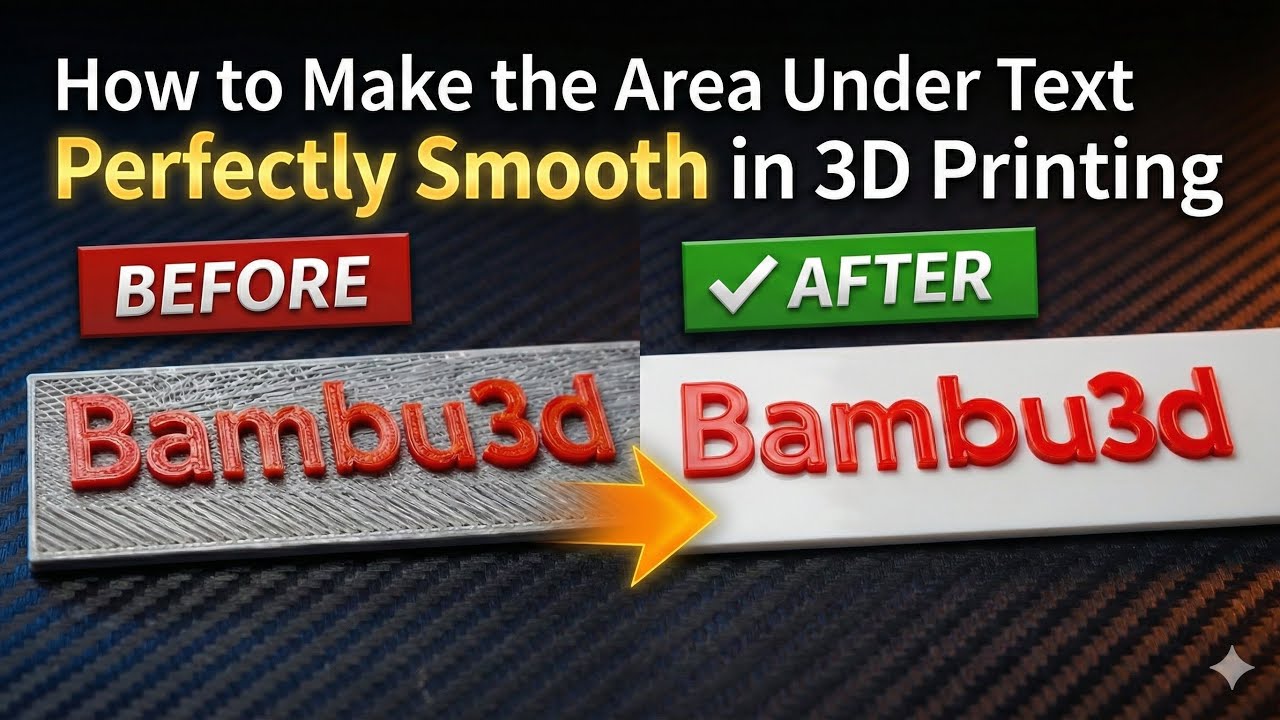
Have you ever noticed those unwanted lines and rough textures under raised text in 3D prints?
In this video, I show how to make the area under text perfectly smooth and clean — no model changes, no complicated tricks.
If you print names, logos, or embossed text, this simple adjustment can completely change your results.
Watch until the end to see the difference 👀
👉 Don’t skip it — the final result speaks for itself.

August 22, 2026





