
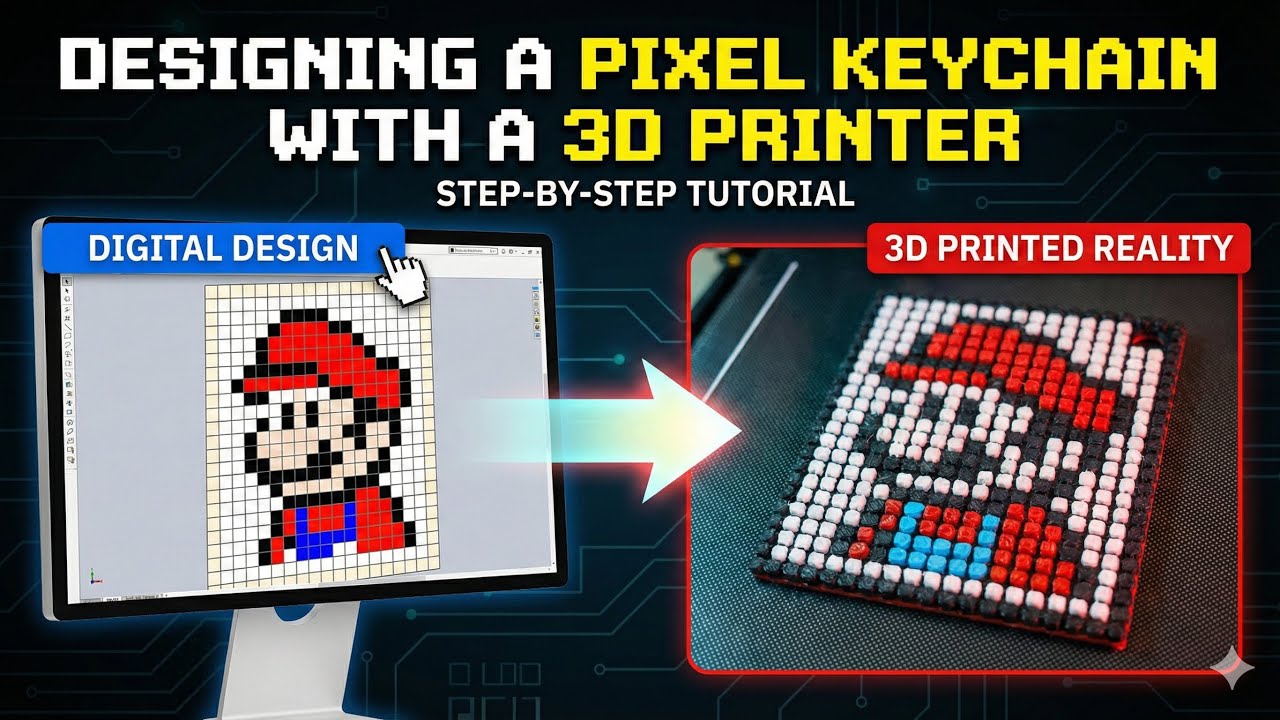
This video, I show how to design a pixel keychain and prepare it for 3D printing, step by step.
We start with a pixel image, import it into SolidWorks, convert the pixels into sketches, and build a clean 3D model ready for printing.
No advanced design skills are needed — this method is simple and beginner-friendly.
This tutorial is perfect for:
- 3D printing beginners
- Pixel art lovers
- Anyone who wants to make custom keychains
If you enjoyed the video, don’t forget to like, subscribe, and comment to support the channel!
If you want to make this yourself, the 3D model file is available to download from the link below.
https://makerworld.com/models/2282838?appSharePlatform=copy






