
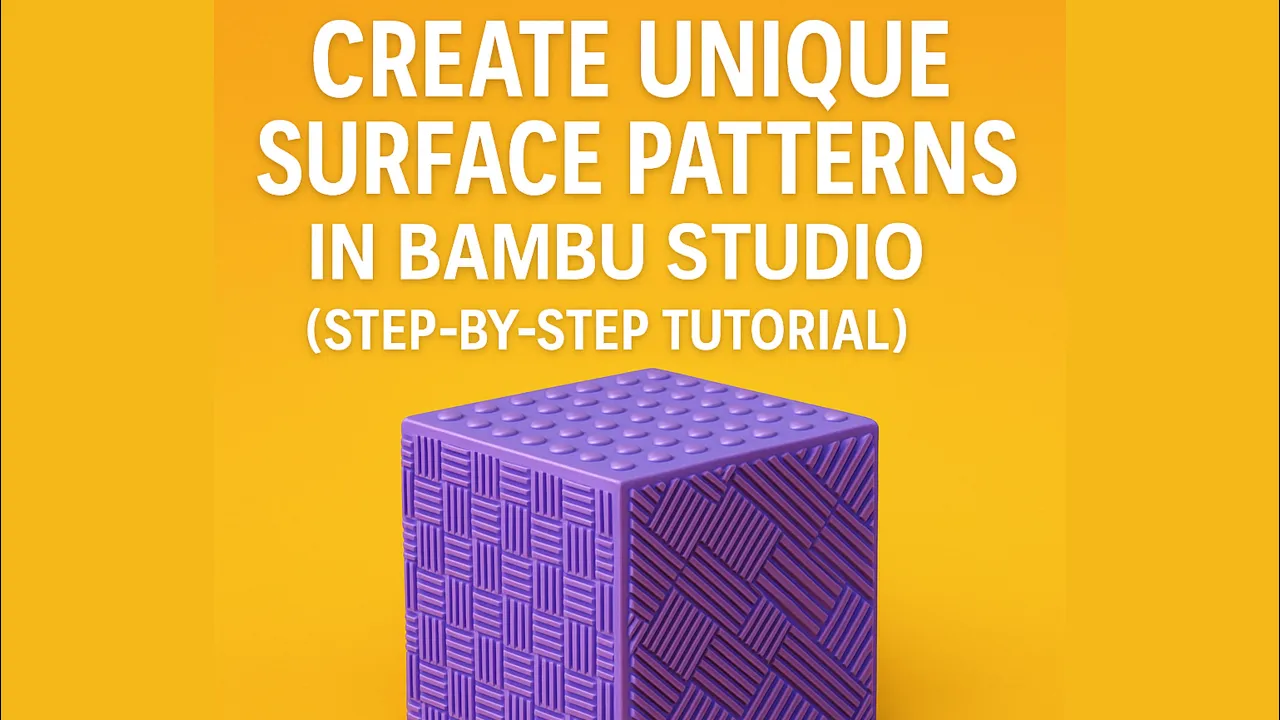
Learn how to turn any image into a custom 3D texture and apply it to your models in Bambu Studio!
In this step-by-step tutorial, I’ll show you how to:
• Find or create black-and-white texture images
• Convert them to SVG format online
• Import and apply them to specific surfaces in Bambu Studio
• Adjust depth, scale, and cut settings for perfect results
This method is perfect for creating unique surface designs for your 3D prints — from text embossing to detailed patterns!
🎥 Software used: Bambu Studio
🧠 Skill level: Beginner to Intermediate






