
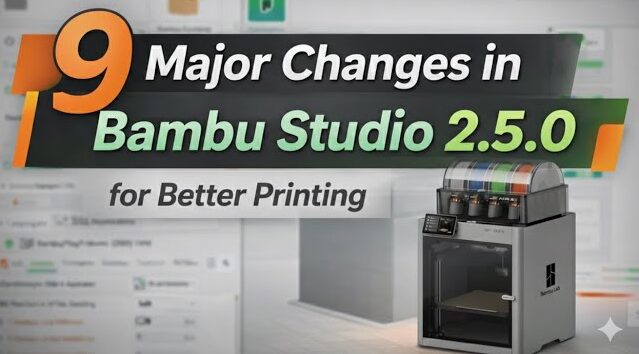
Bambu Studio 2.5.0 is here, and this update brings some of the biggest workflow and print-quality upgrades we’ve seen in a long time.
In this video, I break down 9 major changes in Bambu Studio 2.5.0 and explain what actually matters for real-world printing — from remote AMS drying support, to stronger multi-material printing with PLA & PETG, to new surface-quality tools and helpful workflow shortcuts.
👉 Bambu Studio Wiki / Release Notes:
https://wiki.bambulab.com/en/software/bambu-studio/release/release-note-2-5-0
We also cover creative options like non-100% top/bottom surface patterns, support-interface ironing for cleaner undersides, standard 3MF color importing, mesh subdivision for smoothing low-poly models, and the new “scale to print volume” tool.
If you use Bambu Studio for multi-material printing, support tuning, or you simply want cleaner and more reliable prints, this update has a lot to offer.
👇 In this video you’ll learn:
👉 Remote AMS drying support (AMS 2 Pro / AMS HT + H2D)
👉 Optimized prime tower strategy for PLA & PETG mixing prints
👉 Ironing on the support interface for better bottom surfaces
👉 Non-100% infill patterns for top & bottom surfaces
👉 Standard 3MF color parsing and color mapping workflow
👉 Mesh subdivision (Loop subdivision) to smooth low-resolution models
👉 Scale to print volume (auto max-size scaling)
👉 Abort filament load/unload process
👉 New 2D Lattice infill for lightweight structures
If you found this helpful, please like, subscribe, and comment which feature you want to test first!






