
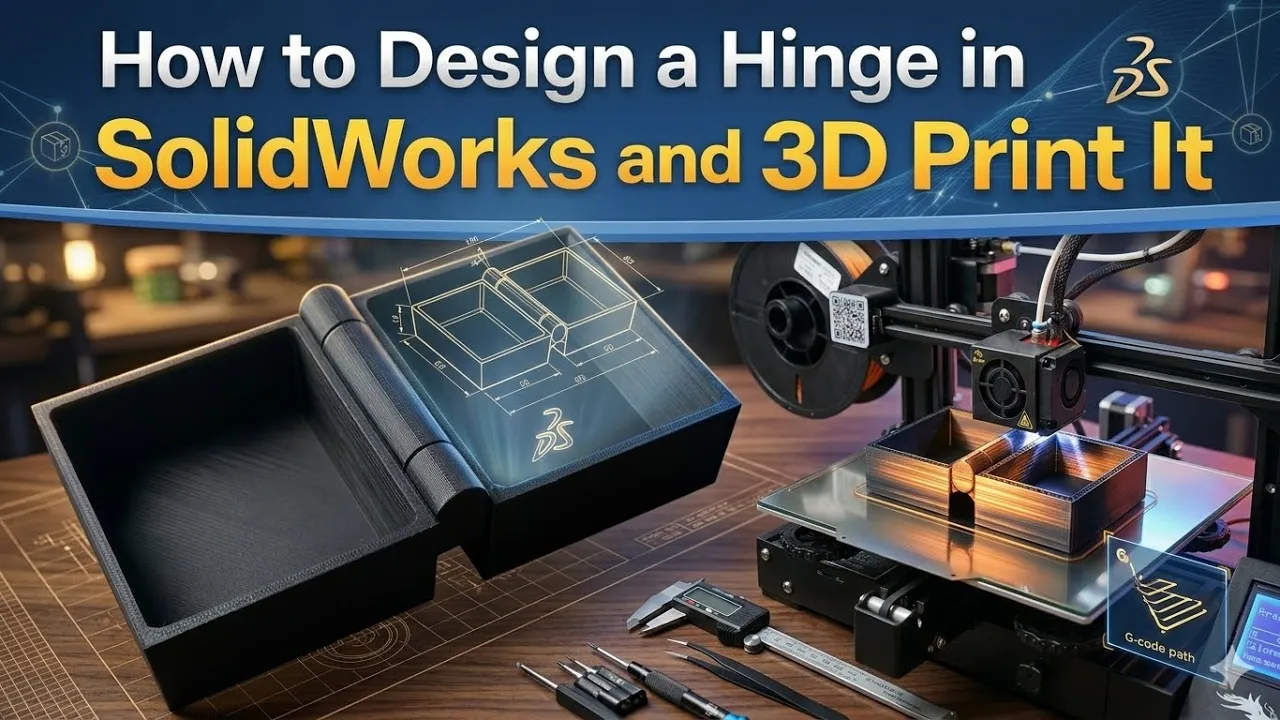
In this tutorial, I show step by step how to design a working hinge in SolidWorks and prepare it for 3D printing.
You will learn how to design hinge clearance, use mirror, extrude, fillet, and finally export the file as STL and print it in Bambu Studio.
The STL file of this model is available on MakerWorld and you can download it and print it yourself.
https://makerworld.com/en/models/2564769-working-hinge-box#profileId-2826397
What you will learn in this video:
• Hinge design in SolidWorks
• Mirror tool
• Extrude and Offset
• Fillet tool
• Clearance for 3D printing
• Export STL file
• Import model into Bambu Studio
• Slicing and 3D printing
If you like SolidWorks and 3D printing tutorials, don’t forget to like and subscribe.






