
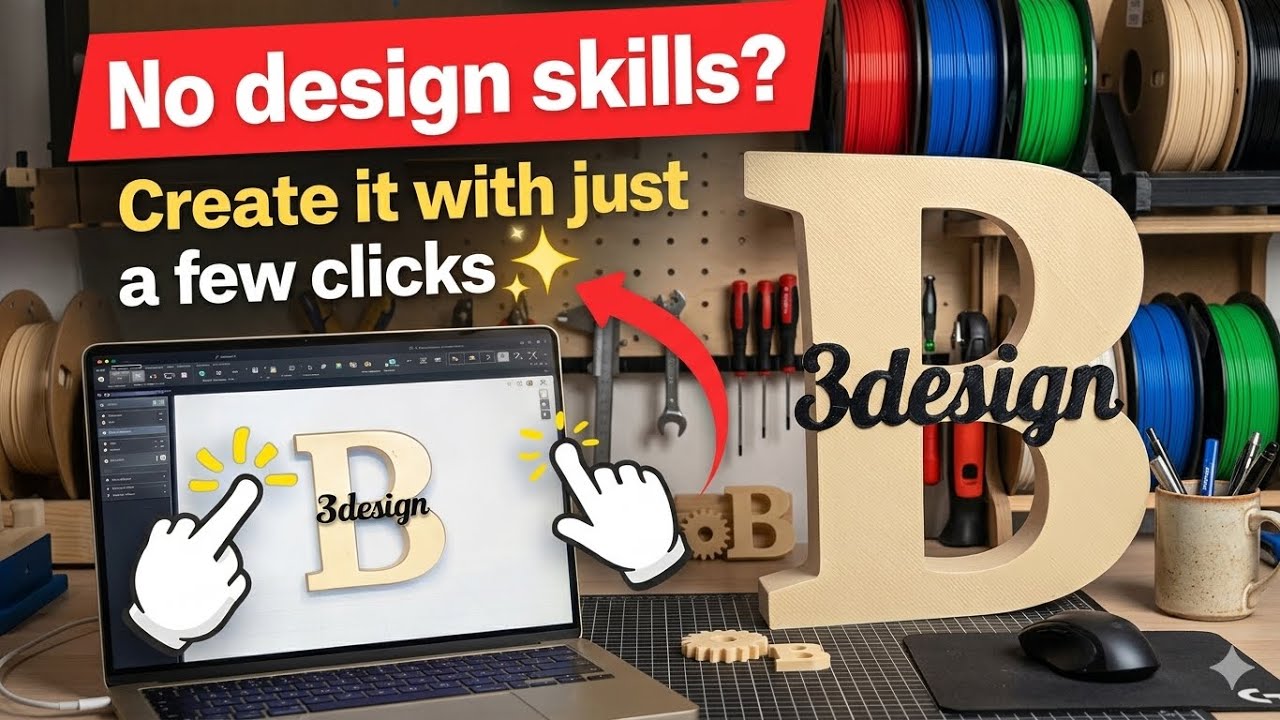
In this video, I show you how to design a custom name model and turn it into a clean and professional 3D print — even if you have no design experience.
What may look complex at first is actually very simple. With just a few clicks, you can create your own personalized design by choosing fonts, adjusting sizes, moving letters, and customizing every detail.
After designing, I import the model into Bambu Studio, prepare it for printing, and finally print and assemble the parts to create the final result.
You’ll also see how the different pieces fit together and how easy it is to assemble the final model.
This method is perfect for creating:
• Personalized name designs
• Custom gifts
• Decorative pieces
• DIY 3D printing projects
✨ In this video, you’ll learn:
• How to design custom name models
• How to adjust fonts, sizes, and positions
• How to export and prepare your file
• How to print using Bambu Studio
• How to assemble the final parts
No design skills needed — just a few clicks!
If you enjoyed this video, don’t forget to like 👍
and subscribe for more 3D printing and design tutorials 🔔






