
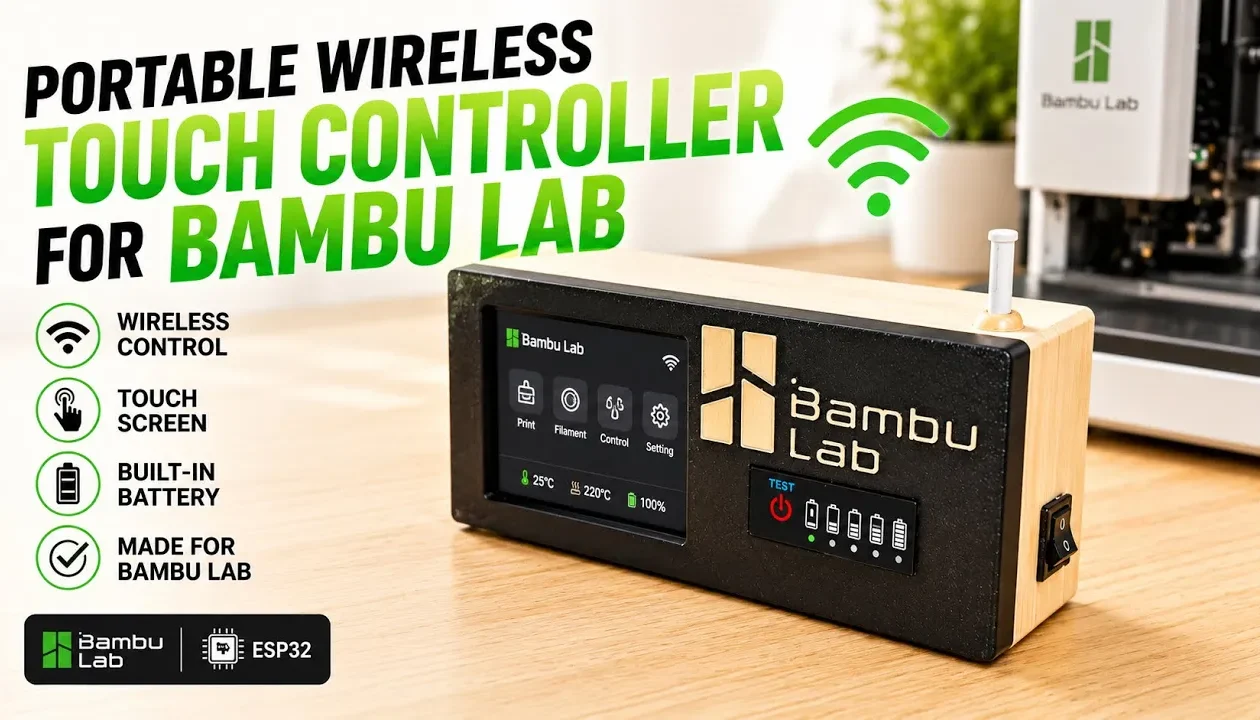
In this video, I build a portable wireless touch controller for Bambu Lab printers using an ESP32 and a custom enclosure.
This version is completely wireless and battery-powered, so you can control your printer without any cables.
Components used in this build:
- ESP32 2.8” touchscreen display
https://s.click.aliexpress.com/e/_c3KSuVNH
https://s.click.aliexpress.com/e/_c42QHkZv - 18650 lithium battery
- TP4056 charging module (Type-C)
https://s.click.aliexpress.com/e/_c44n1D9N
https://s.click.aliexpress.com/e/_c3R95SeF - MT3608 boost converter (set to 5V)
https://s.click.aliexpress.com/e/_c2QPeFlN
https://s.click.aliexpress.com/e/_c3YhJ4l1 - Battery level indicator module
https://s.click.aliexpress.com/e/_c3fsrfSn
https://s.click.aliexpress.com/e/_c3DDqJVz - Rocker power switch
https://s.click.aliexpress.com/e/_c30KlHSX
https://s.click.aliexpress.com/e/_c3avJNjD - microSD card
https://s.click.aliexpress.com/e/_c4m6W5nZ
🔧 What you’ll see in this video:
- Step-by-step wiring and soldering
- Connecting all modules together
- Power management setup
- Installing components inside the enclosure
- Uploading firmware using XTouch installer
- Connecting the controller to the printer via Wi-Fi
- Final testing
💡 Key features:
- Fully wireless control (Wi-Fi)
- No external power cable needed
- Rechargeable battery system
- Portable and compact design
- Touchscreen interface
- Compatible with Bambu Lab P1S / P1P
📦 Download the enclosure file:
The 3D printable case is available on MakerWorld.
https://makerworld.com/models/2696049?appSharePlatform=copy
🚀 This project is perfect if you want a cleaner setup and more flexibility while controlling your 3D printer.






