
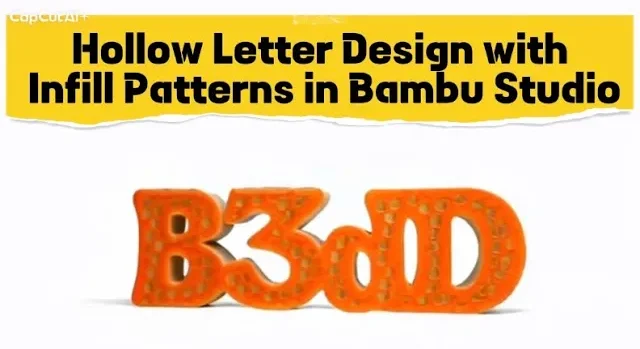
In this tutorial, I show you how to create beautiful hollow letters with custom infill patterns inside Bambu Studio — without using any CAD software!
This method is perfect for making stylish signs, logos, and decorative prints using only slicing tricks and smart settings.
⭐ What You Will Learn:
✔ How to create text objects in Bambu Studio
✔ How to separate them into Top and Down parts
✔ How to make the inside completely hollow
✔ How to add infill patterns like Honeycomb, Grid, Gyroid
✔ How to control line thickness, shell layers, and infill density
✔ How to create clean and strong prints with no supports
🧩 Why This Technique Is Amazing:
This method gives your letters a beautiful internal structure that looks unique and is fun to print.
You can also customize the shape, color, and pattern to create your own style!






