
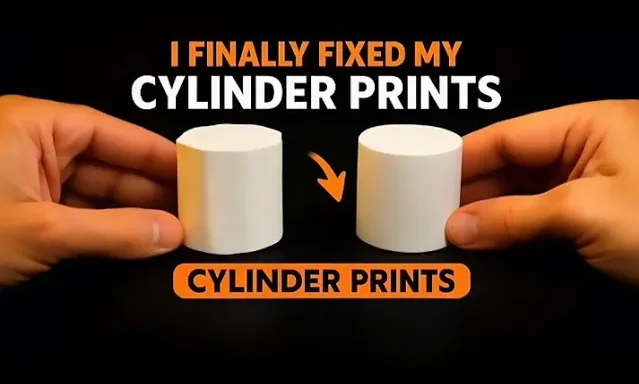
If your cylinder prints keep coming out polygon-shaped, this video will finally fix that.
In this a, I show you the exact STL export settings in SolidWorks and the critical slicing tweaks in Bambu Studio that transform a rough, faceted cylinder into a perfectly smooth one.
You’ll learn:
✅ Why SolidWorks exports cylinders with flat sides
✅ The exact resolution settings to fix it
✅ How to tune seam placement and fuzzy skin in Bambu Studio
✅ A before-and-after comparison so you can see the difference
This guide is perfect for anyone who wants smoother prints, cleaner curves, and professional-quality results.
At the end, I’ll show you two printed cylinders — one printed with the new settings and one without.
Can you guess which one is the real smooth print? 😉






