
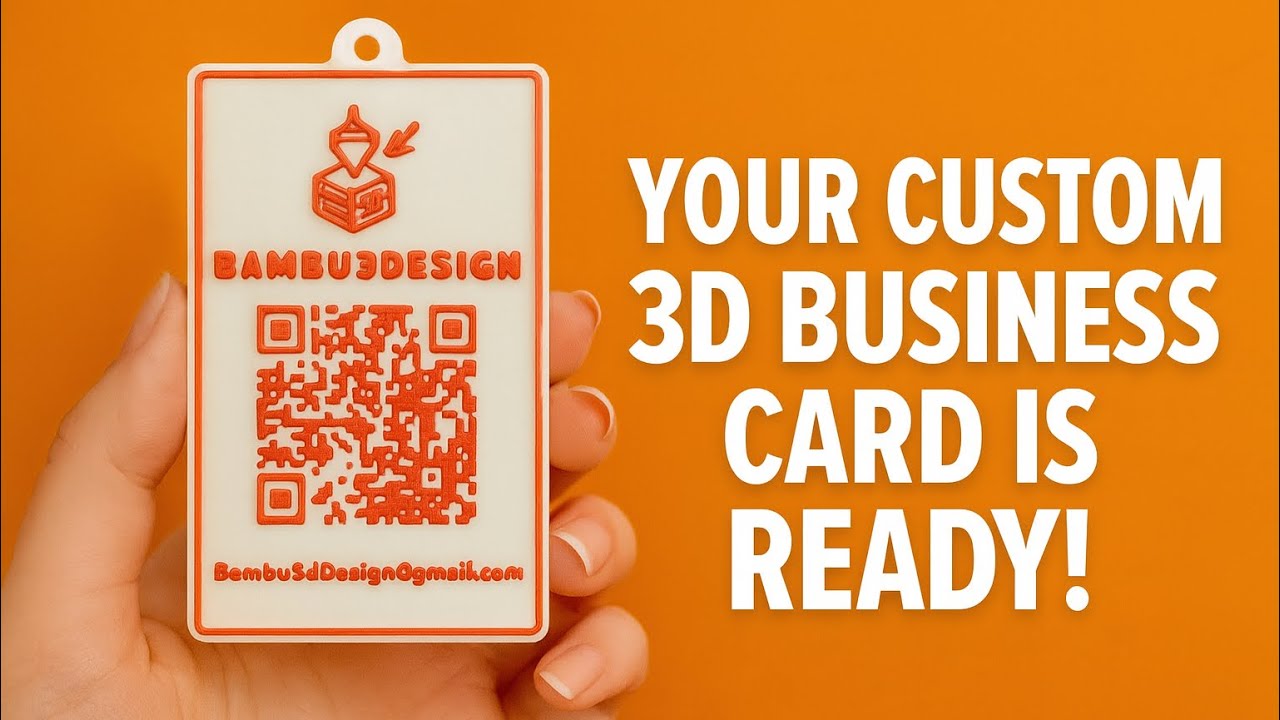
Learn how to design and 3D print your own custom business card using MakerWorld and easy online tools!
In this video, I’ll show you step-by-step how to create your logo in SVG, add a QR code, customize the shape, adjust thickness, and download the final 3D-printable file.
If you want a unique and professional 3D business card, this tutorial will guide you through the entire process—from design to print!
🧩 Tools used in this video:
- QR Code Monkey
- Online SVG Converter
- MakerWorld – Make My Sign Tool
- 3D Printer (Any brand)
📧 Contact:
Bambu3dDesign@gmail.com
👉 Don’t forget to like, subscribe, and comment if you want more 3D printing tutorials!






